This Quickstart Guide targets users which are already familiar with Namirial eSignAnyWhere.
Prerequisites:
Following feature flags must be enabled
NamirialSignEnterprise
Api
Following user permission must be enabled
- UseApi
Additionally note the following:
The user must be present in NSE
The user already changed the password
The user must be enabled
The user must have a MyNamirial account
Log in using your existing eSignAnyWhere account.
In the user menu, locate the "Namirial Sign Enterprise" button to switch to the new interface.
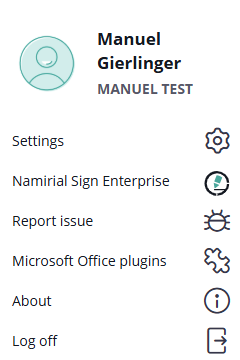
Note: This feature must be enabled per organization. If you do not see the “Namirial Sign Enterprise” action in the menu, ask to Namirial staff to enable Namirial Sign Enterprise for your organization (additional license costs apply).
Upon selection, you will be redirected to MyNamirial login.
Use the same email address as in eSignAnyWhere.
If you do not yet have a MyNamirial account, you may create one directly.
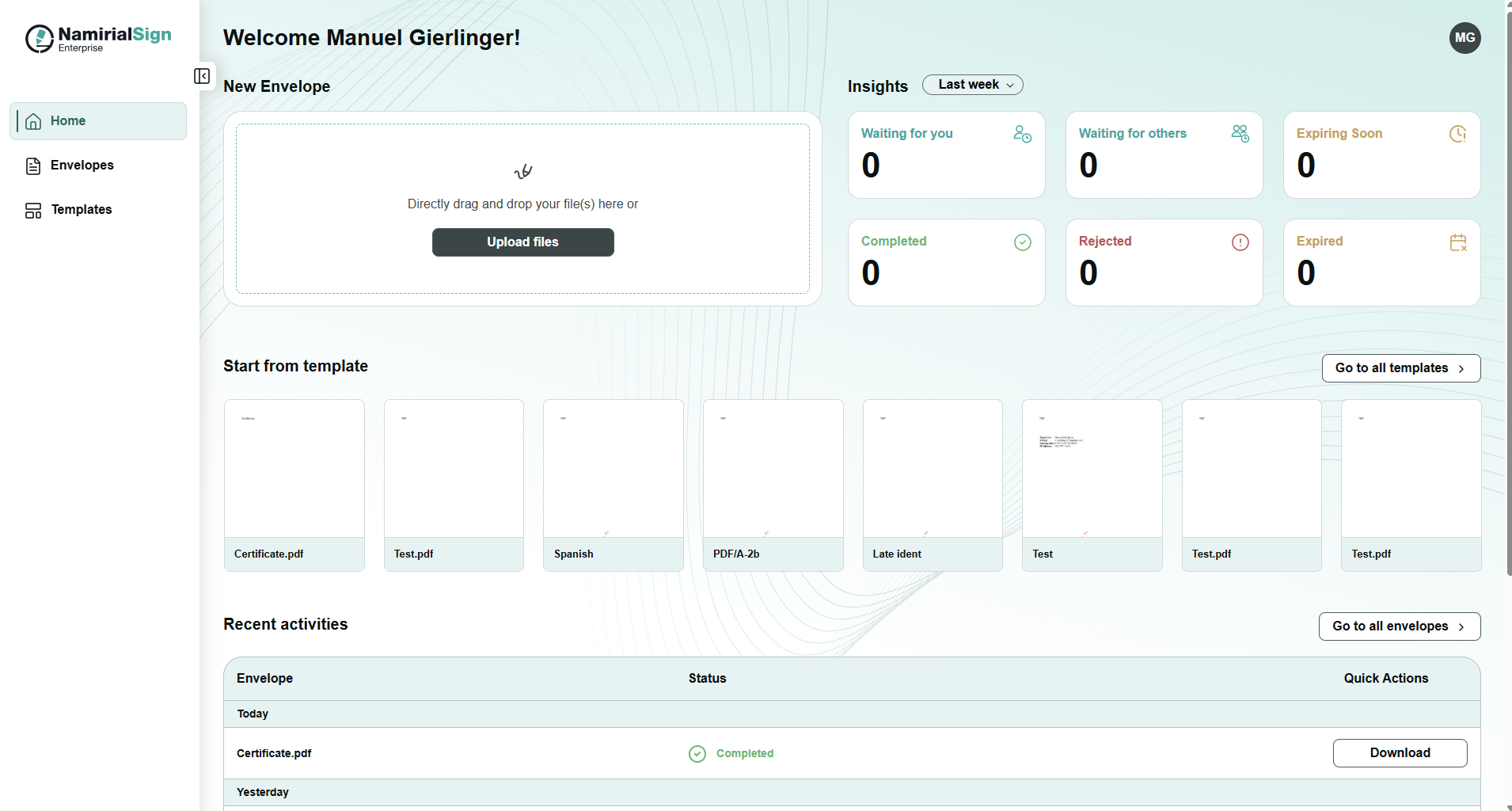
After successful login, the Namirial Sign Enterprise home screen will open.