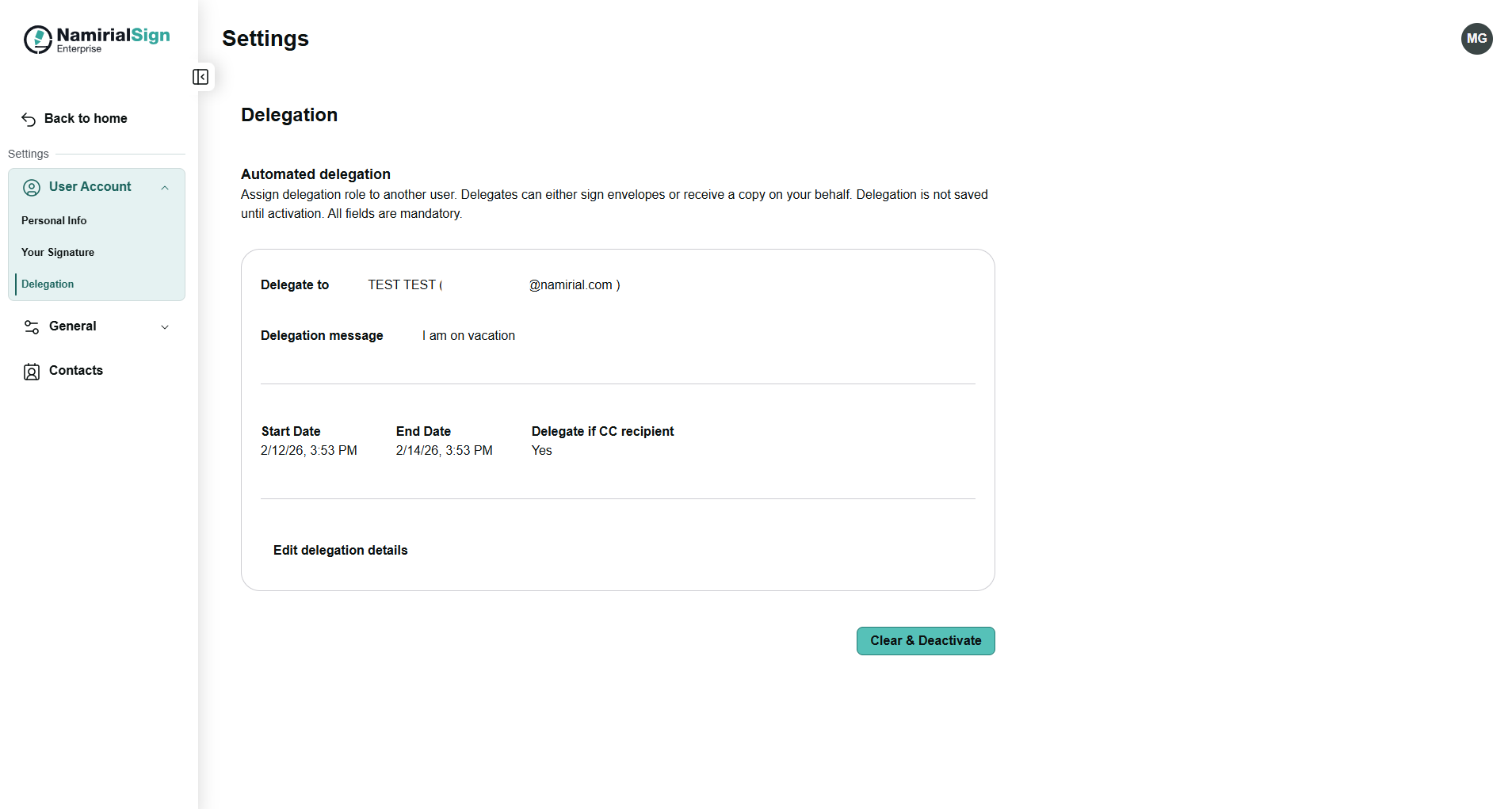
This documentation provides information about how to automatically delegate envelopes. The configuration can be found in the User Account settings section delegation.
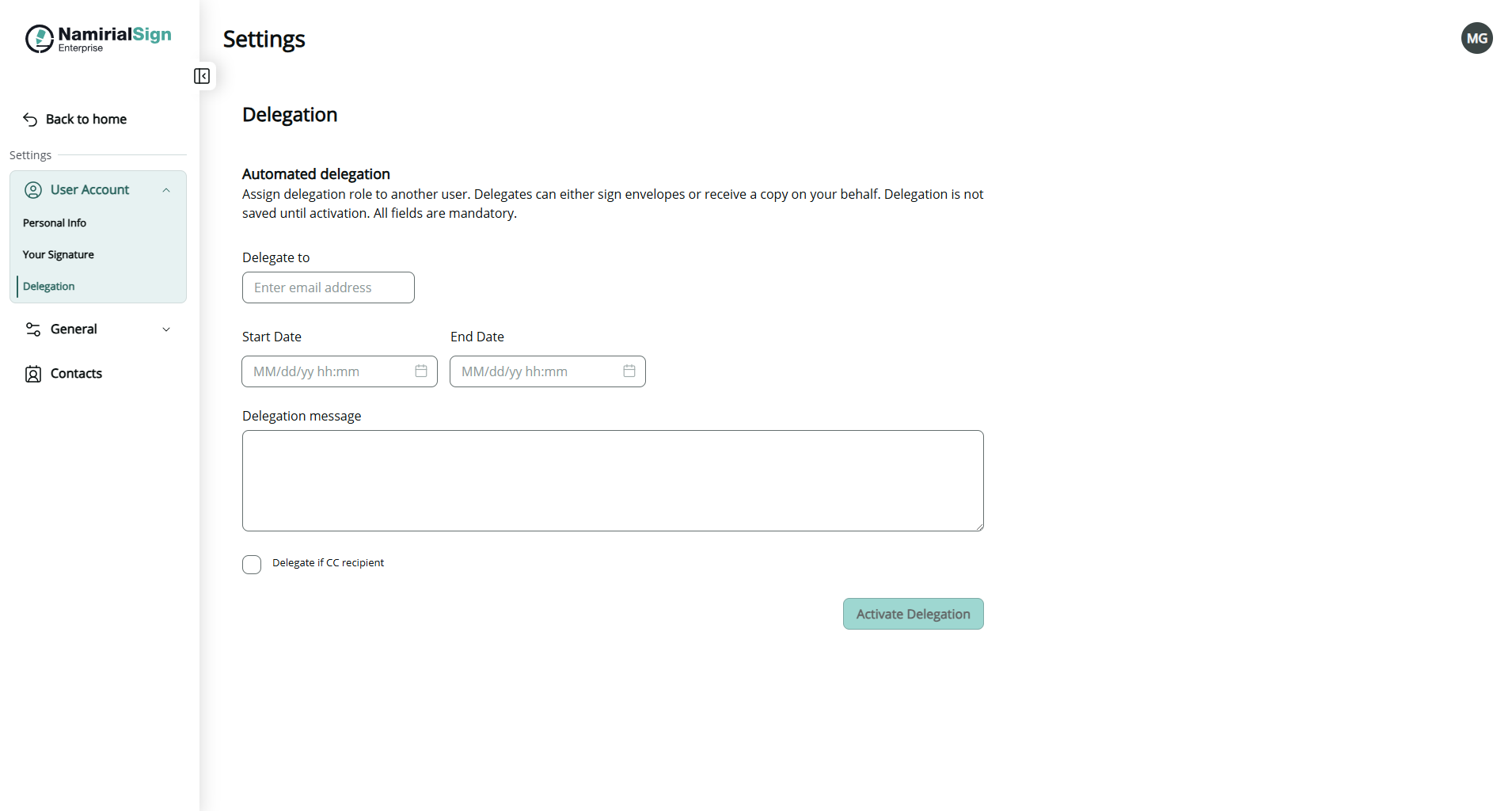
In order to activate the automatic delegation all of the following fields must be filled:
- Delegate to
- Enter the email address to the one who should receive the envelopes on your behalf (delegatee must be a user within the organization)
- Start date
- Enter the date when the automatic delegation should start with
- End date
- Enter the date when the automatic delegation should be deactivated
- Delegation message
- Enter the delegation message
In addition you can also enable if the automatic delegation should also delegate in case of CC recipient
After clicking on activation a summary of the configured delegation will be displayed as well as the possibility to edit or to deactivate the delegation.