Feature will soon be available
With the user groups configuration it is possible to manage the following:
- Create user groups
- Add users to the user group
- Change permissions for each user within the user groups
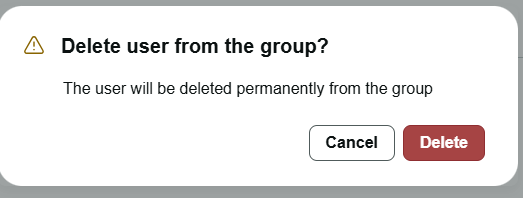
- Delete users grom a user group
- Share envelope or template
By navigating to the settings an option "User Groups" will be visible.
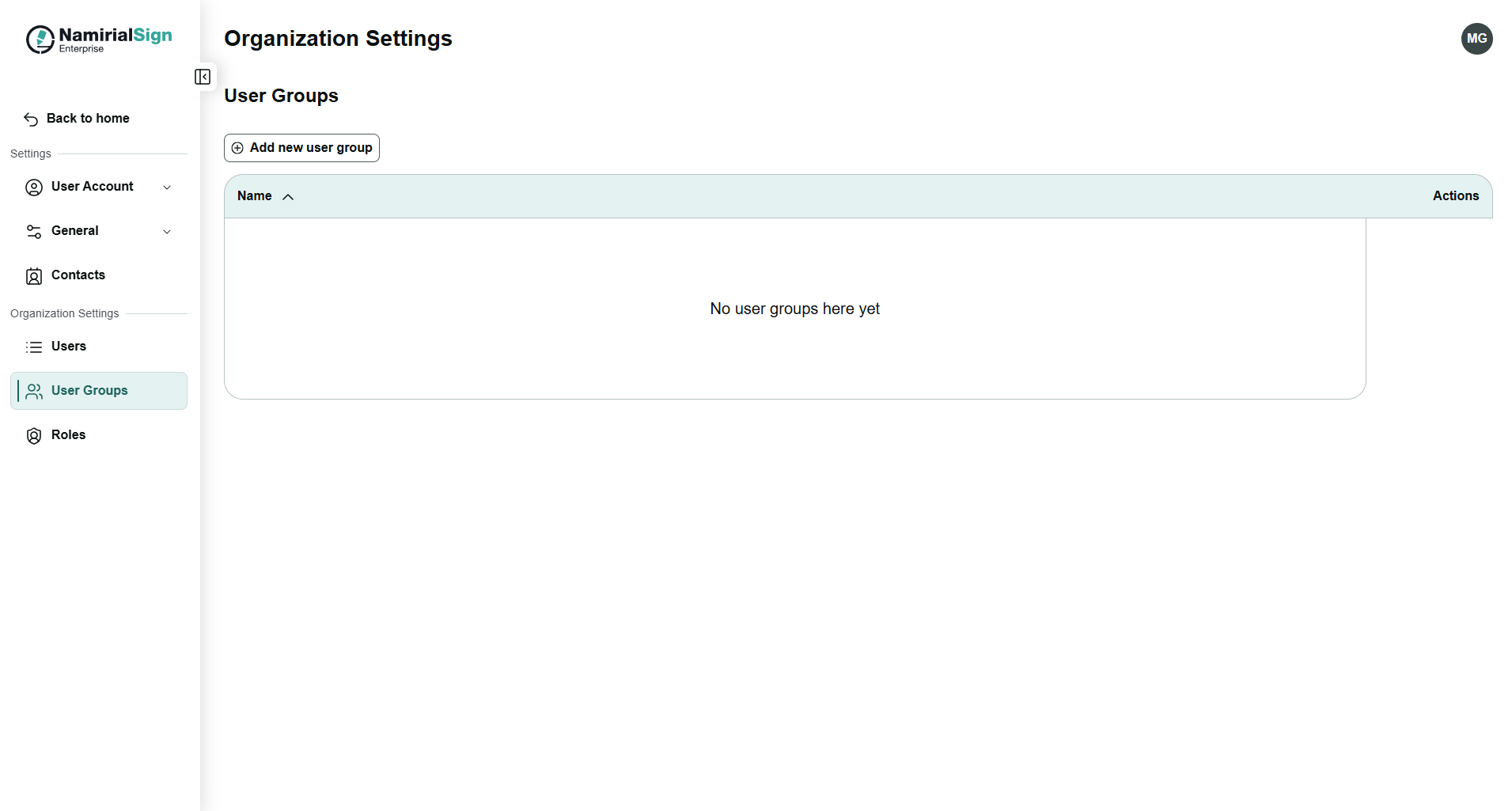
In order to create a new user group please follow the next steps:
- Click on "Add new user group"
- Enter a name for the user group
This user group will then be shown in the list of available user groups.
Follow the next steps in order to add users to existing user groups:
- Click on "Details" for the user group in which you want to add a user
- Click on "Add users" and enter the name or the email of the user
- Click on "Add"
The user will then be added to the users available in the user group.
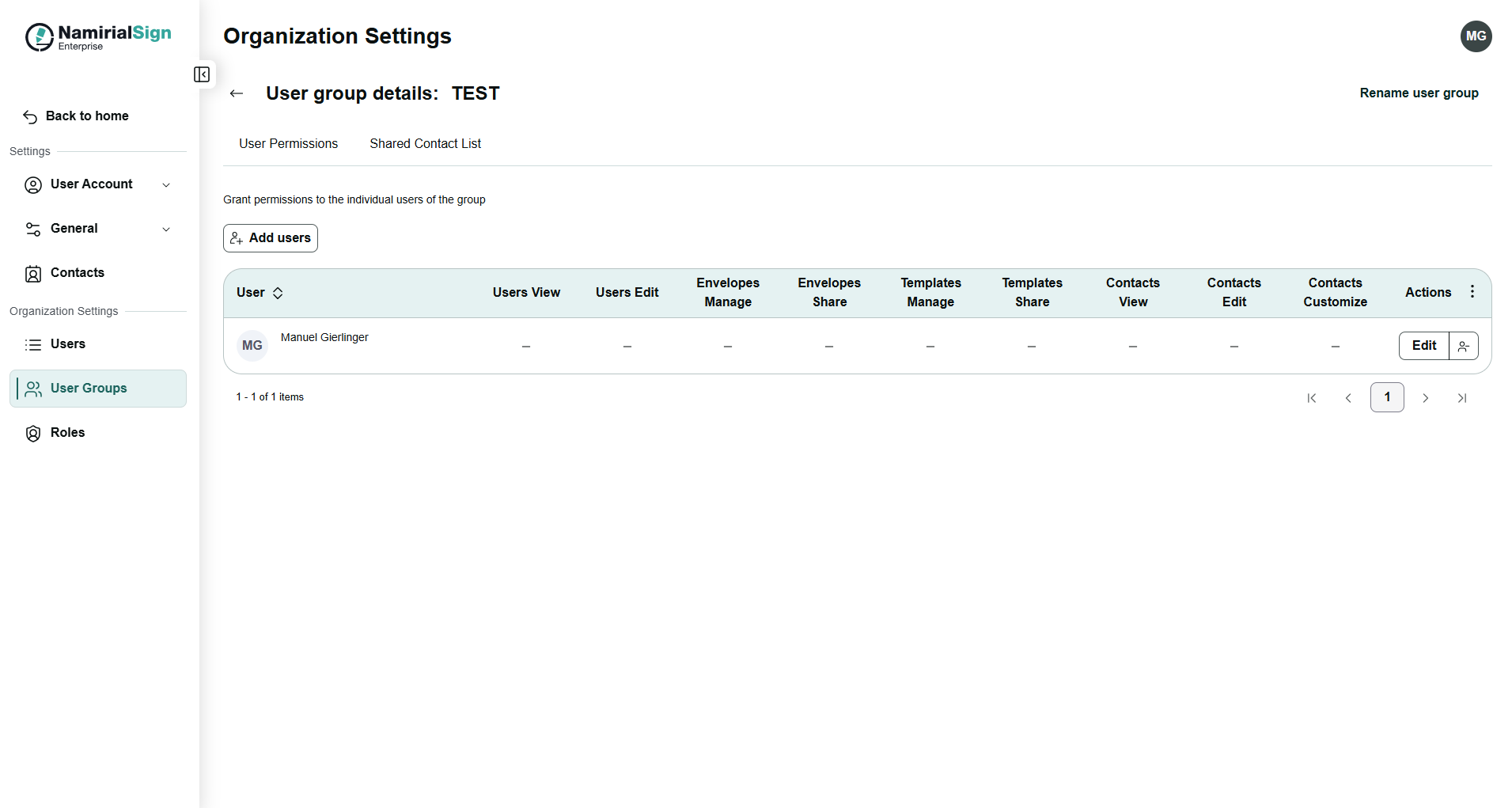
For each user the edit functionality is available to adjust the listed permissions.
Following permissions are available:
- Users View
- User can view user group members
- Users Edit
- User can add, edit and remove user group members
- Envelopes manage
- User can manage envelopes shared with the user group
- Manage includes the following:
- Perform main actions on the envelope (remind, delete, cancel etc.)
- Access the envelope details including the download of the JSON as well as viewing the history of the envelope if the permissions are enabled
- Manage includes the following:
- User can manage envelopes shared with the user group
- Envelopes share
- User can share envelopes with user group members
- Templates manage
- User can manage templates shared with the user group
- Manage includes the following:
- Perform main actions on the template (delete)
- Manage includes the following:
- User can manage templates shared with the user group
- Templates share
- User can share templates with user group members
- Contacts view
- User can view contacts shared with the user group
- Contacts edit
- User can add, edit and remove contacts shared with the user group
- Contacts customize
- User can customize the fields of the user group contacts
Please note the following dependencies:
A user with "Allow editing users permissions" must have the "Allow viewing user" permission.
A user with "Allow editing contacts permissions" must have the "Allow viewing contacts permissions"
For each user within the user group next to the "Edit" action you can delete a user.
If a user group was configured, in the Designer/Options find the setting to share with configured user groups the specific envelope/template.
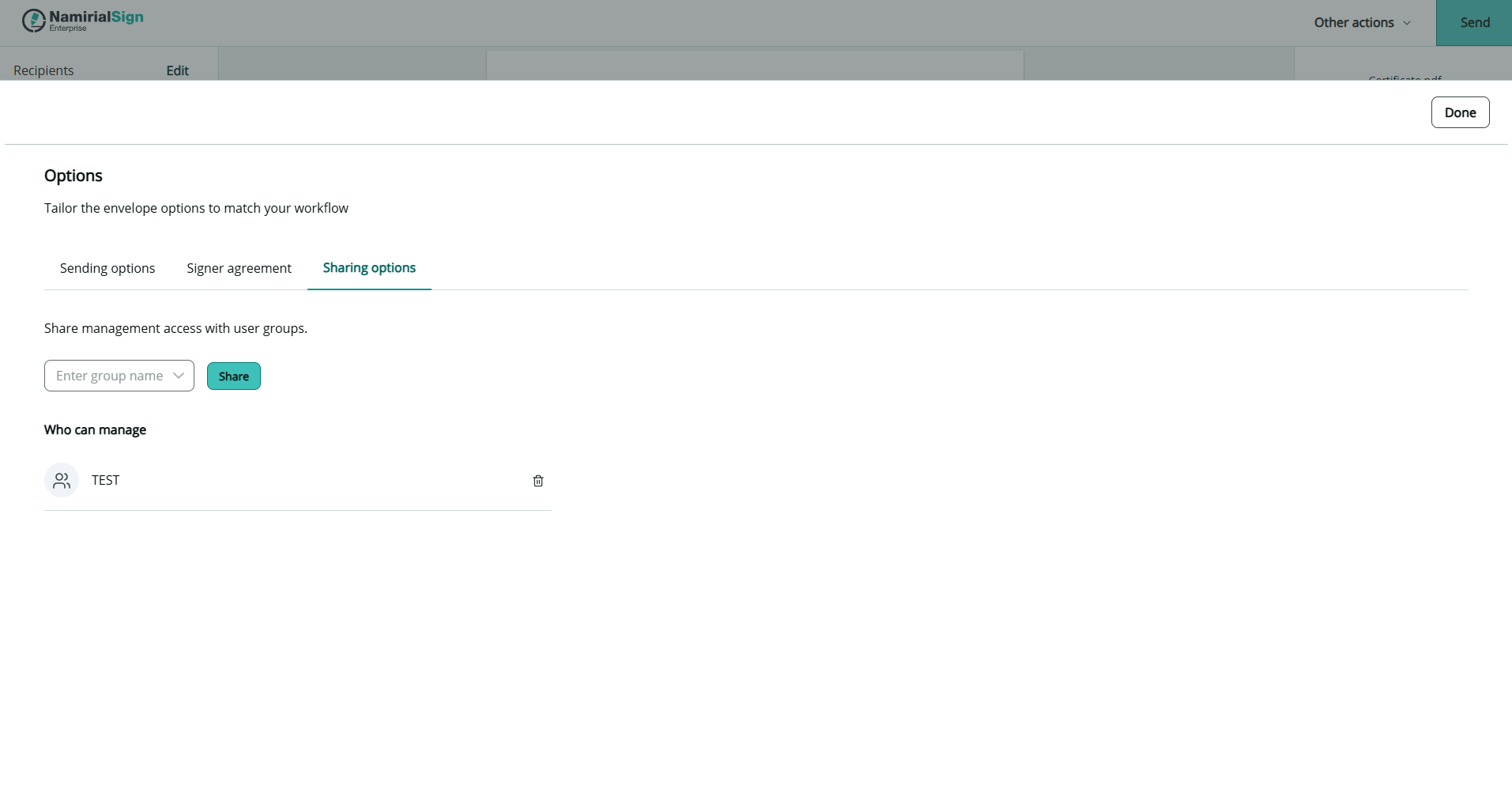
In this sharing options you can select the user groups to share the envelope or template. It is also possible to set default sharing options in the User Account Settings.