Drafts let you prepare an envelope ahead of time without sending it right away. You can start creating an envelope, save your progress, and come back later to finish and send it. This helps you plan, edit, or gather information before the envelope goes out for signatures.
You can fill in as much information as you want—signers, documents, settings, messages—and save it as a draft. Nothing is sent to the signers until you choose to send it.
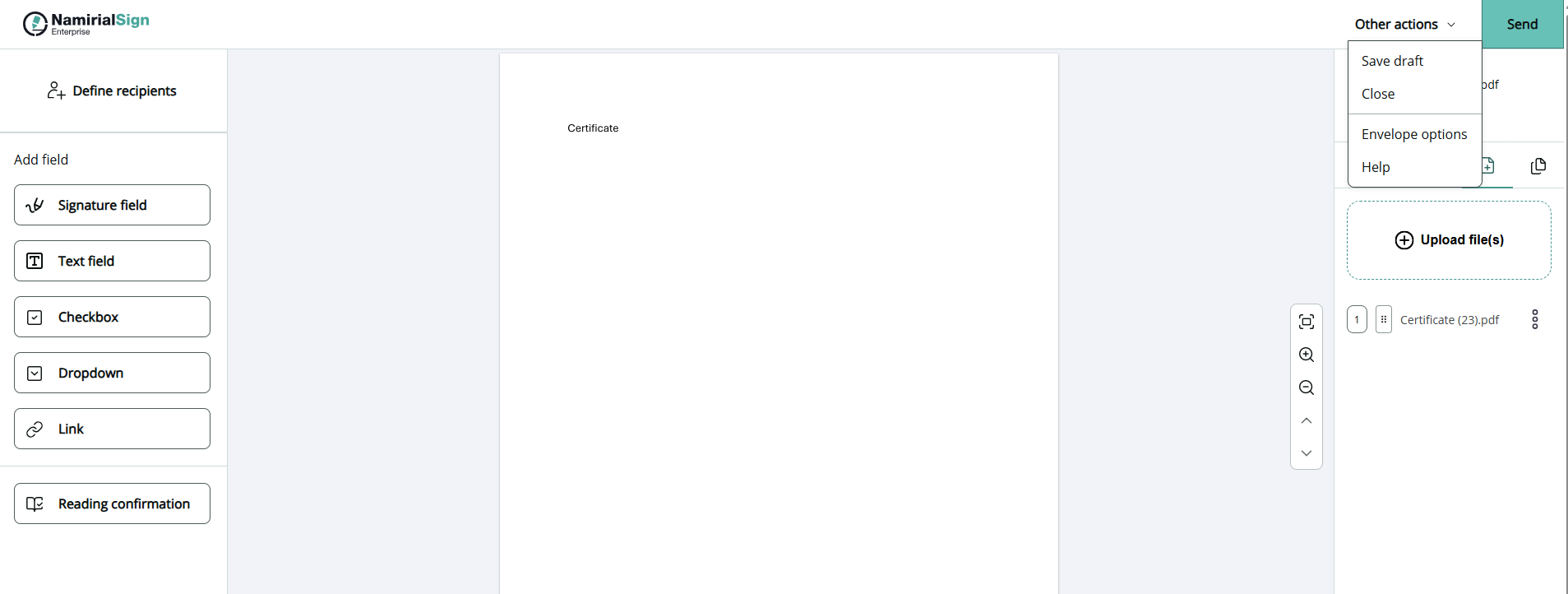
From the envelope list or the recent activities you can open a draft and continue working on it whenever you’re ready. You can change:

- Recipients
- Documents
- Envelope settings
- Fields and authentications