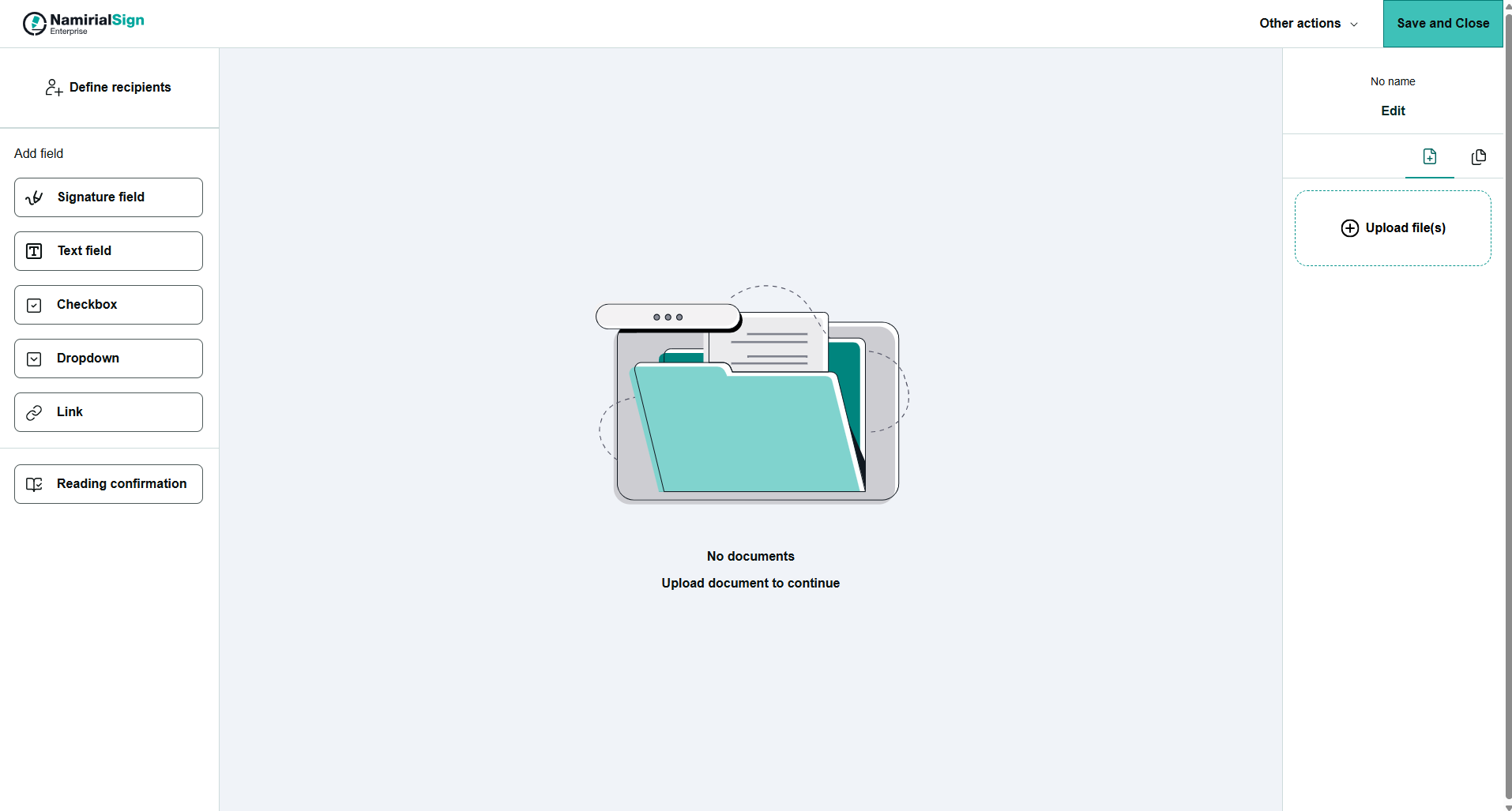
In order not to have to create the same envelope again and again for constant situations, the seller creates a template that he/she can use for constant contract. To create a template and use it in constant situations does not only save time but also prevents mistakes such as for example a text field being forgotten.
Following steps are necessary:
- Create a template
- Use the template
In order to create a new template navigate to the templates section on the left. After selecting templates you can either create new templates or use/edit already created templates.
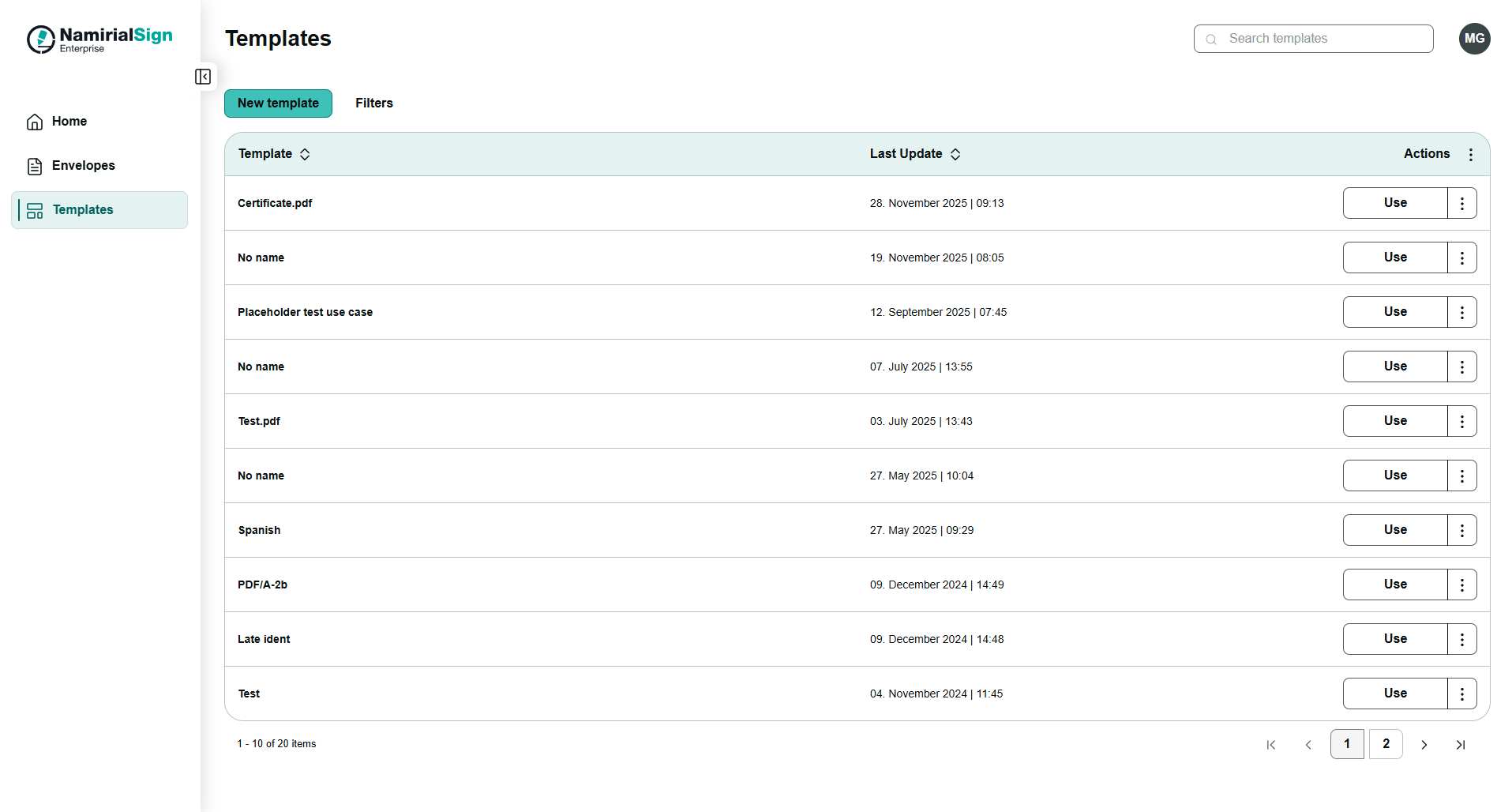
After clicking on "New template" button you can create a new template. You will be redirected to the designer in order to define and save the new created template.