The Security Environment is the cryptographic foundation of the Timestamping Authority. It hosts and protects the cryptographic keys used to issue trusted timestamps.
⚠️ This is a critical operation and must be performed with extreme care.
The Security Environment initialization is required to:
- Enable cryptographic operations
- Generate and protect private keys
- Prepare the appliance for certificate management
- Activate timestamping services
Without initializing the Security Environment:
- Timestamping services cannot operate
- Cryptographic keys cannot be generated
- TSA services remain inactive
When the Security Environment is created:
- A Master Key is generated
- The Master Key controls access to the cryptographic environment
- The Master Key is split across multiple smart cards
- A Card Set is created
This mechanism ensures that no single individual can access or reconstruct the Master Key alone (if quorum > 1).
The Card Set is a pool of smart cards used to protect the Master Key.
Key concepts:
- The Master Key is divided across multiple cards
- A configurable number of cards (quorum) is required to reconstruct it
- The quorum must be strictly less than the total number of cards
Example:
- Card Set size: 3 cards
- Quorum: 2 cards
This means:
- Any 2 of the 3 cards can reconstruct the Master Key
- A single card alone cannot
This provides both:
- Security
- Recoverability
To begin the process:
- Log in to the SmartTSA Administrative Console
- Select from the left menu:
Initialize Security EnvironmentA guided wizard will start the initialization procedure.
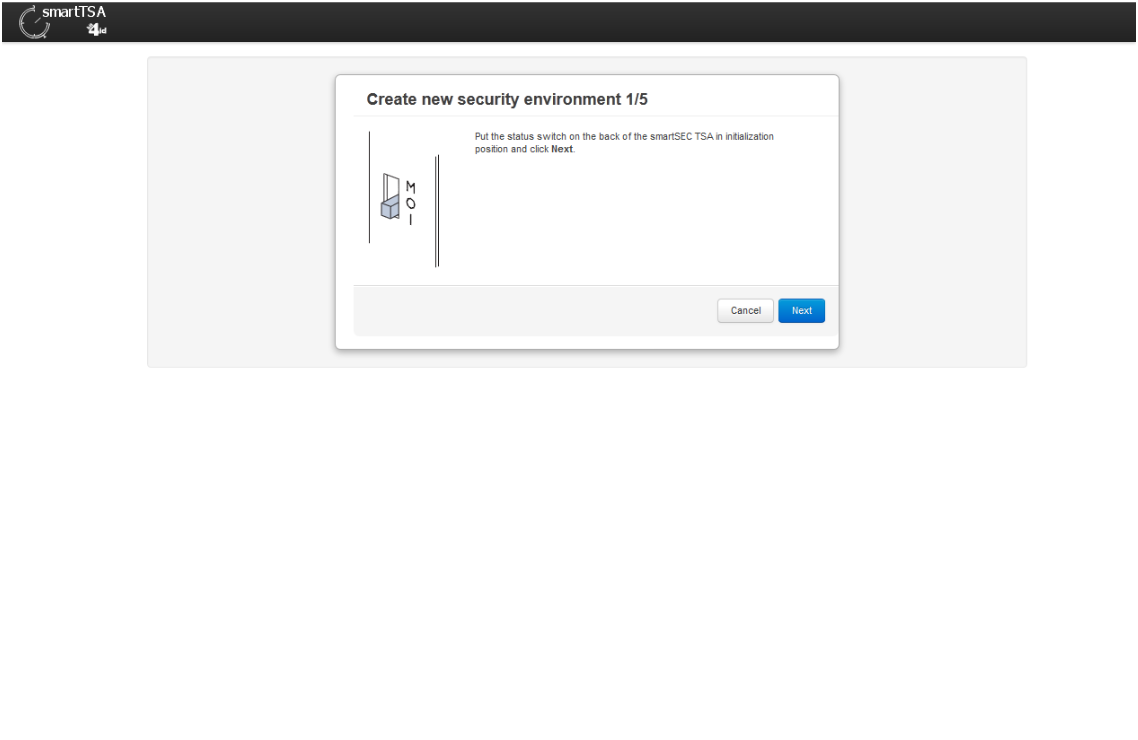
- The first thing required is to put the status switch on the back of the appliance in the Initialization position
- Then the wizard drives the administrator in the creation of the card set. The administrator has to specify how many cards have to compose the card set and what is the “quorum” required to reinitialize or recover the security environment. In other word, the quorum is the number of cards, less than the card set number, required to do further operations that involve the security environment.
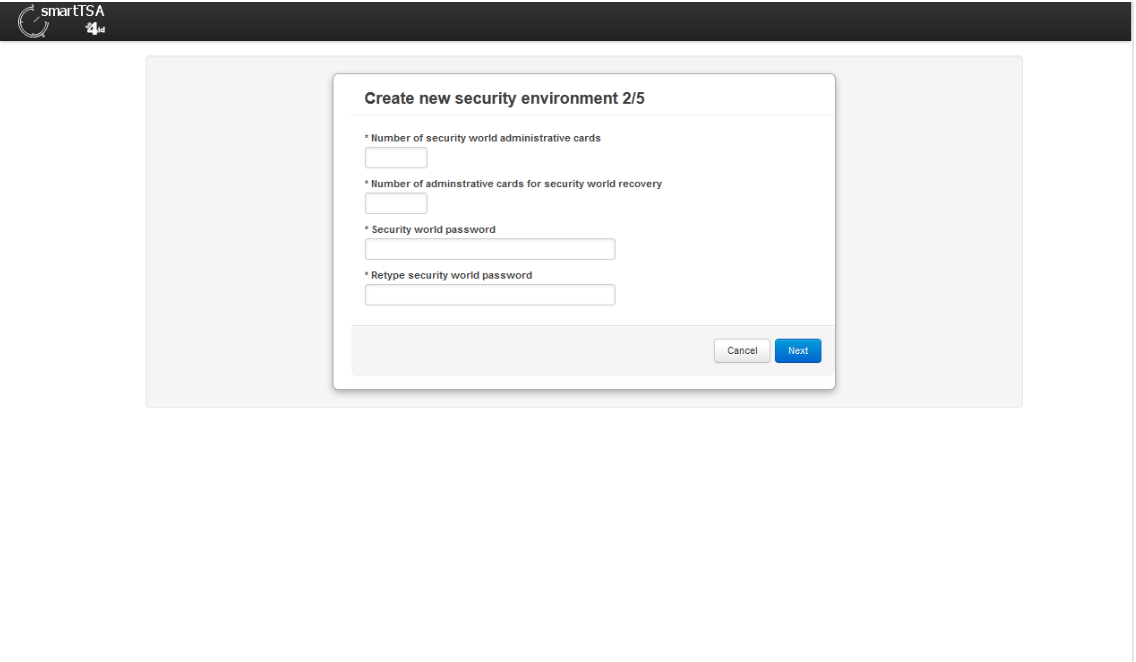
- In our example, we select a card set of 2 cards with a quorum of a single card. Of course, to improve security is strongly recommended to choose a card set of at least 3 cards and a quorum of 2.
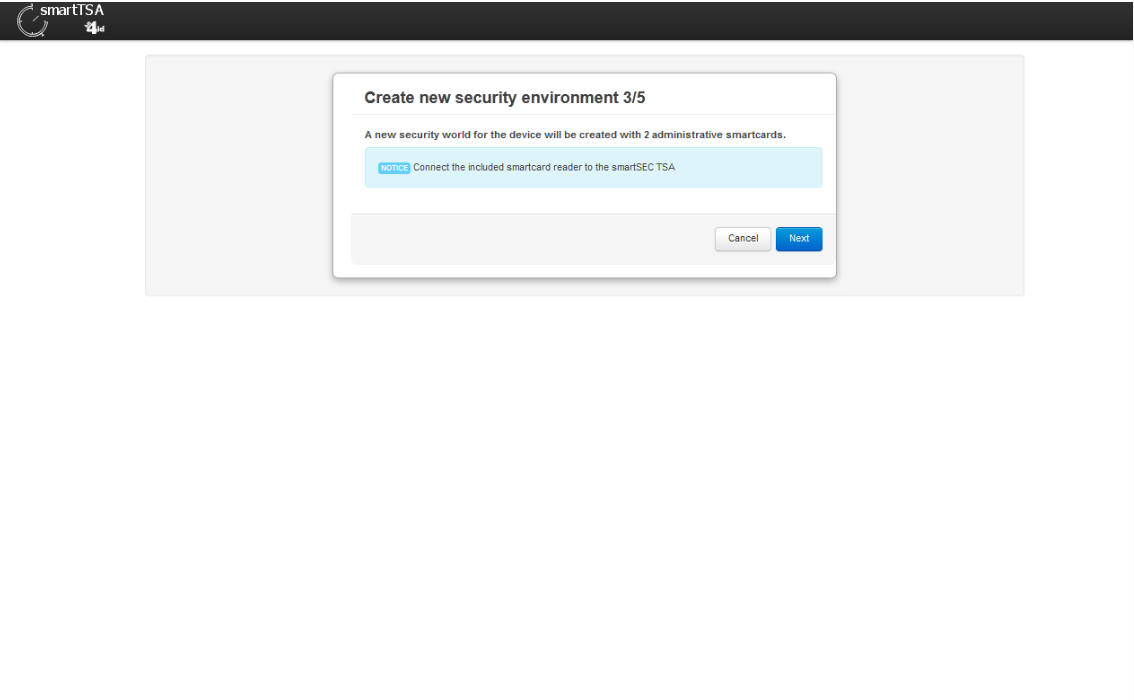
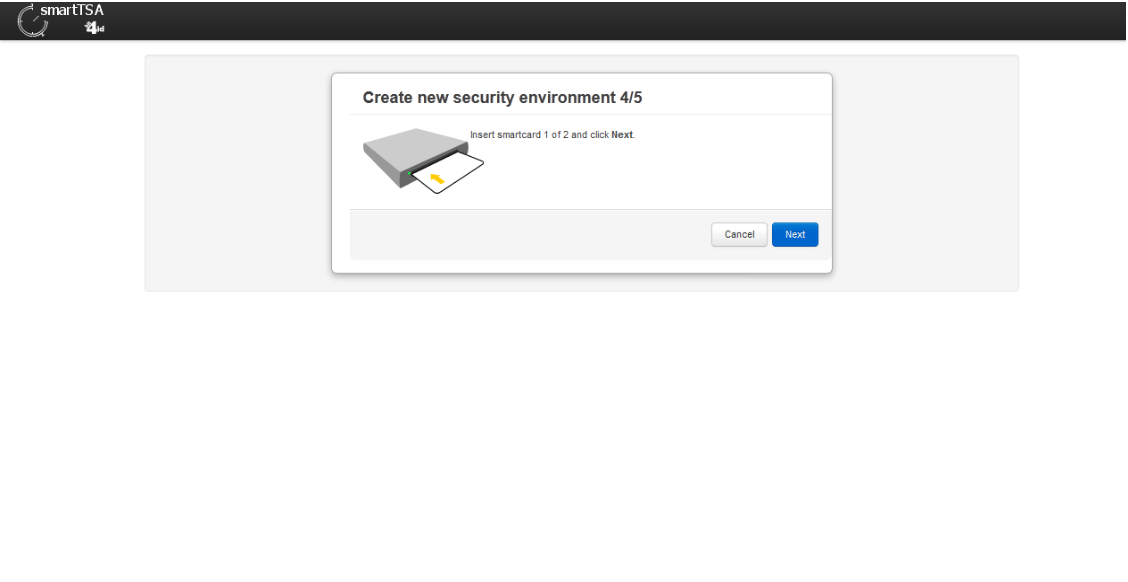
- The last step is the generation of any single card of the card set: the wizard requires the insertion in the HSM module of anyone.
- The last operation required is to set the switch status back on to Operational (O) mode.
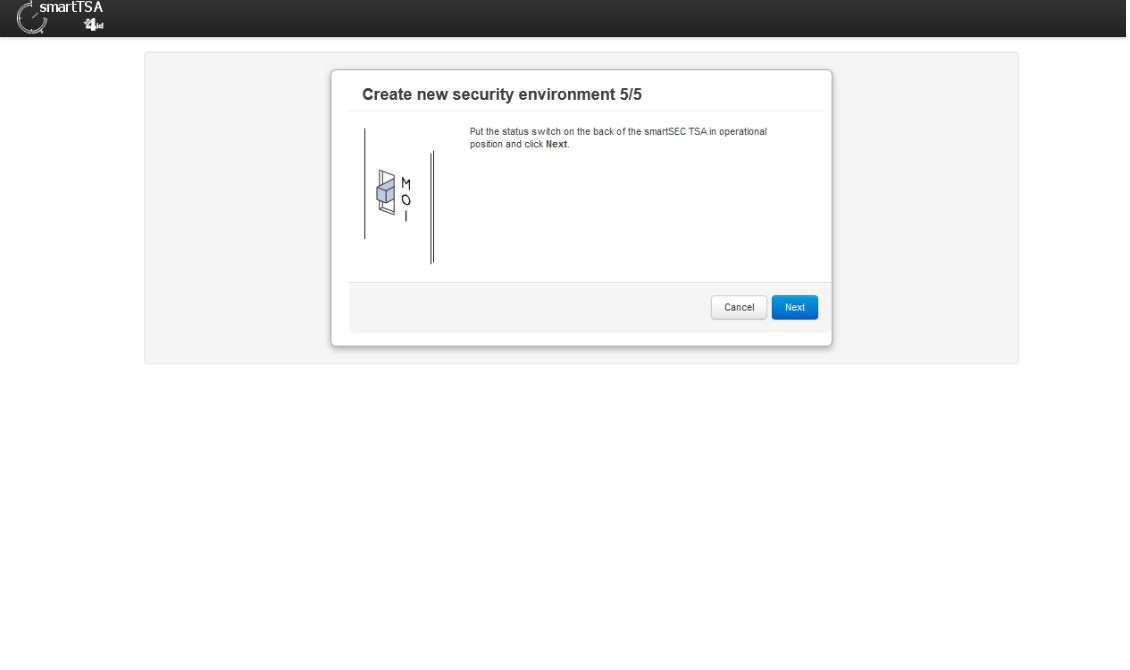
- A message informs that the operation is completed.
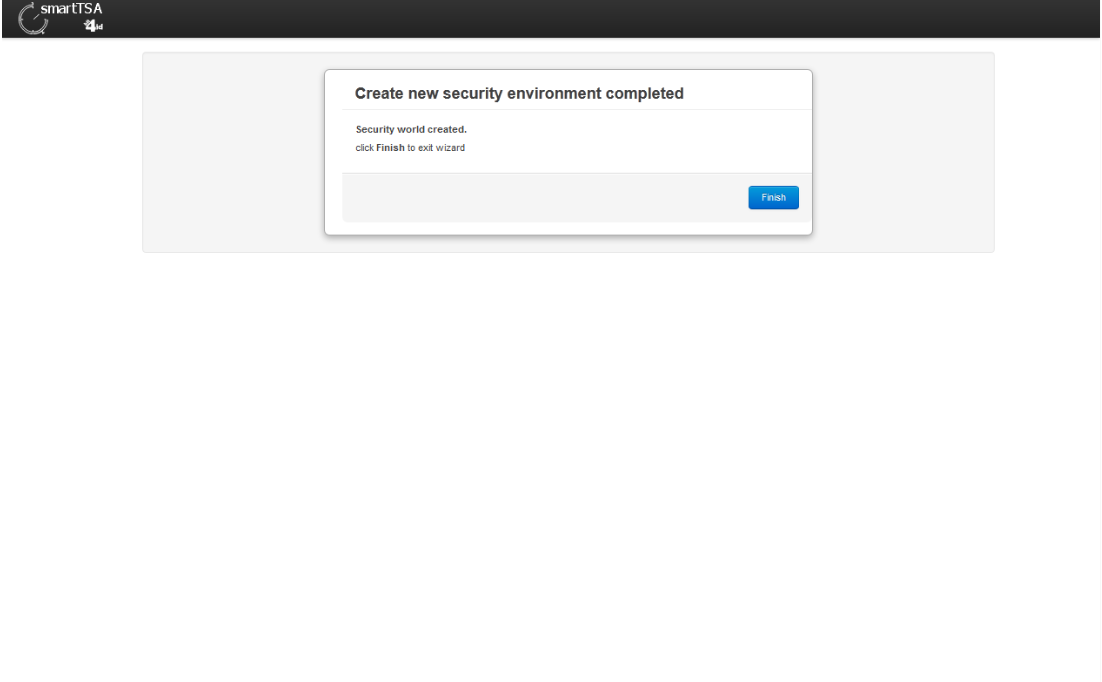
Even if is a critical operation, the creation of the security environment is strongly driven and result very simple and quick to complete.
Before starting the wizard:
⚠️ The appliance hardware switch located on the back panel must be set to:
Initialization (I)This physical safeguard prevents accidental reconfiguration in operational mode.
If the switch is not in Initialization position:
- The procedure cannot proceed
The wizard guides the administrator through:
- Selecting the number of cards in the Card Set
- Defining the quorum value
You must specify:
- Total number of smart cards composing the Card Set
Recommended minimum:
- At least 3 cards
The quorum is:
- The number of cards required to perform critical operations such as:
- Reinitialization
- Backup
- Recovery
Rules:
- Quorum < Card Set size
- Quorum must be at least 1
Example configuration:
- Card Set: 2 cards
- Quorum: 1 card
⚠️ For higher security, use:
- Card Set: 3 cards
- Quorum: 2 cards
After defining the Card Set and quorum:
- Insert each smart card into the HSM module
- The wizard generates and writes the necessary cryptographic material to each card
- Repeat until all cards in the set are generated
Each card becomes part of the secure key management structure.
After all cards are created:
- Set the hardware switch back to:
Operational (O)- Confirm completion in the wizard interface
The system will display a confirmation message indicating successful initialization.
Once the Security Environment is initialized:
- The SmartTSA is ready to:
- Generate TSA certificates
- Activate timestamping services
- Perform cryptographic operations
The landing page will now reflect the operational state.
This operation is extremely sensitive.
Best practices:
- Perform initialization in a secure environment
- Ensure authorized personnel are present
- Store smart cards securely in separate locations
- Document card holders and quorum policy
- Avoid single-person control over quorum cards
- Never duplicate or clone smart cards
To reconstruct the Master Key (for recovery or reinitialization):
- A number of cards equal to or greater than the quorum is required
- Without quorum, recovery is impossible
Loss of quorum cards may result in permanent loss of access to the Security Environment.
For regulated TSA environments:
- Follow internal security policy for key management
- Align card distribution with separation-of-duties principles
- Maintain audit logs of initialization
- Store backup documentation securely