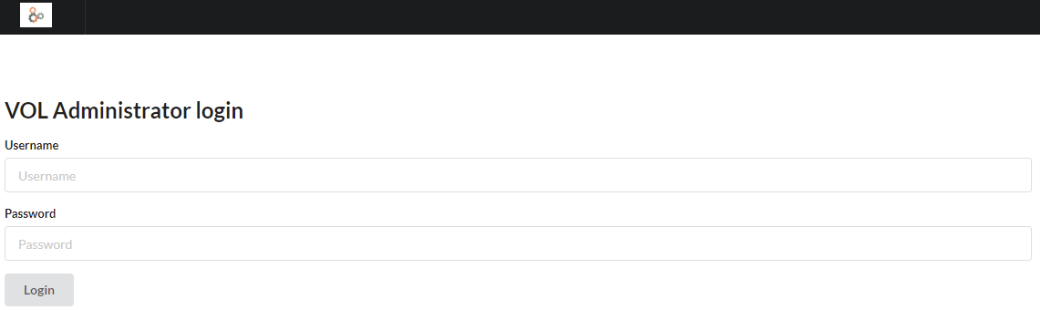
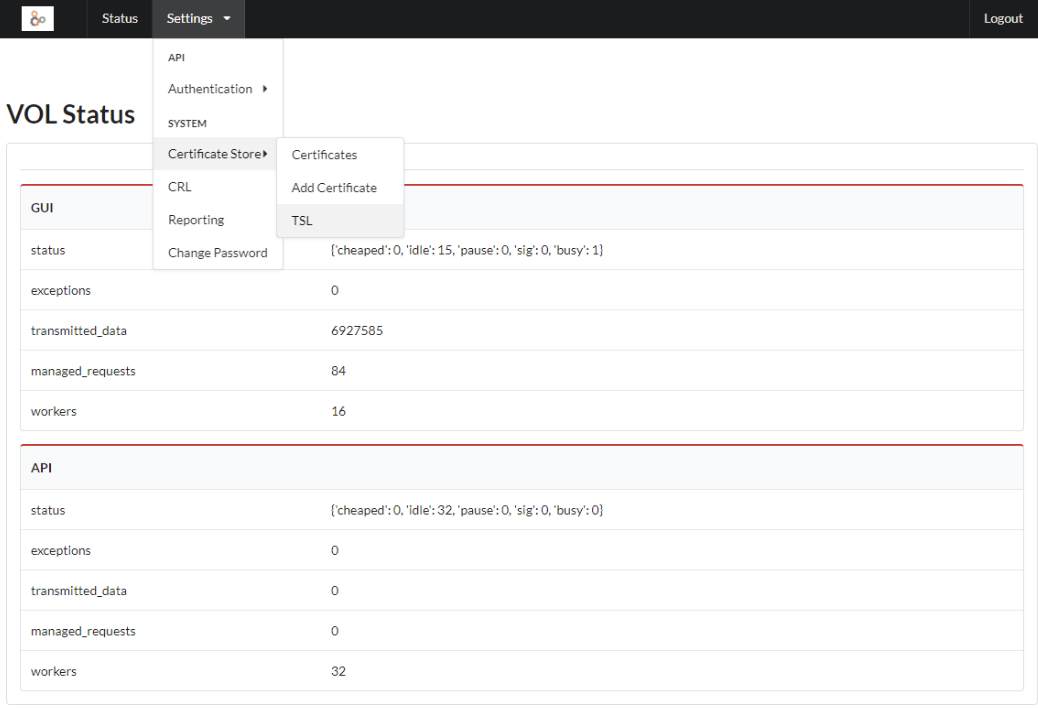
The administration console is accessible via HTTPS at the /admin path. The home page displays the health status of the main system components.
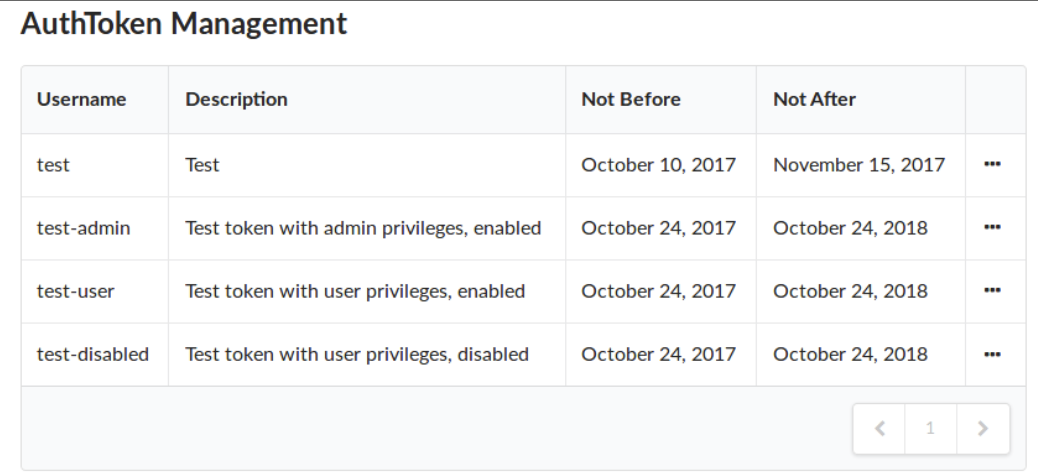
In the Settings → Authentication → Authentication tokens section it is possible to:
- view tokens
- modify their data and privileges
- delete them (without confirmation request)
- create new ones via Add Authentication token
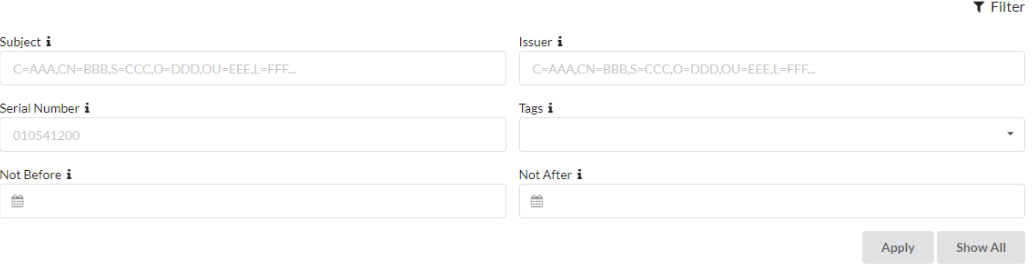
The Certificate Store → Certificates section allows:
- filtering by subject, issuer, serial number, tag, and validity
- downloading, viewing, and deleting certificates
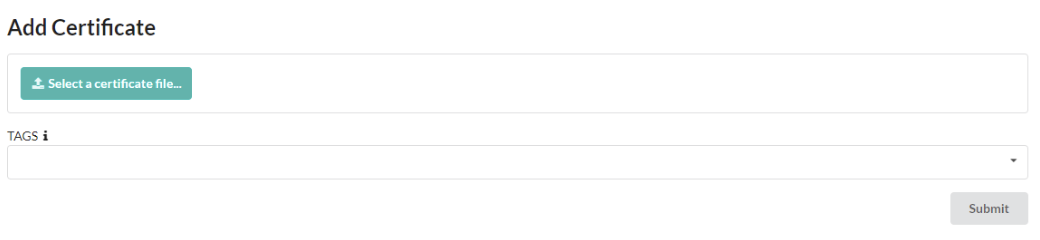
- adding tags to certificates
- manual import (CRT, CER, DER, PEM)
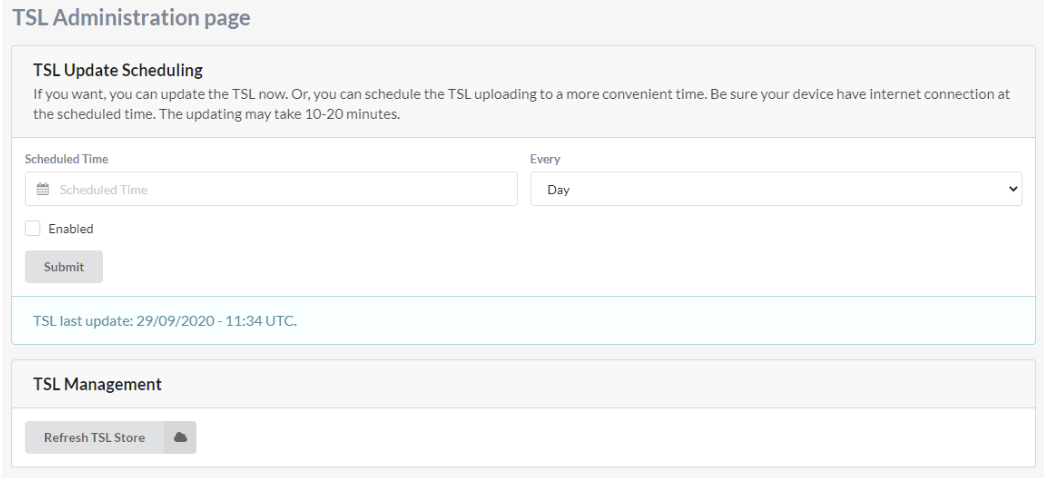
The Certificate Store → TSL section allows:
- manual updates
- configuration of the update frequency
- enabling/disabling the service
The CRL section allows:
- download
- update
- viewing details
- removal of CRLs from the system
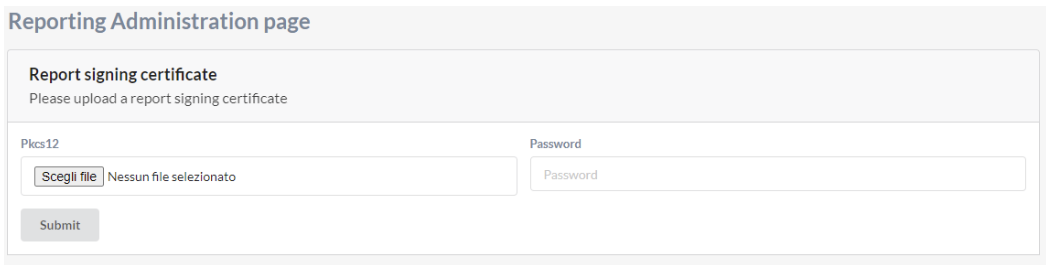
The Reporting section allows configuring the certificate used to sign reports generated by the system.
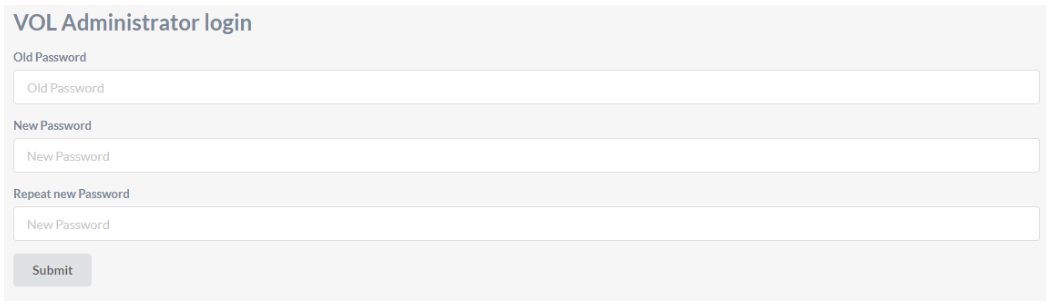
The Change password section allows updating the administrator password.