The Online Verifier (VOL) is a system that allows users to verify the validity of a digital signature applied to a document.
This file provides a complete overview of the system's operation, its components, and the main functionalities offered by VOL.
VOL allows you to:
- Install and configure a complete environment for verifying digital signatures
- Use a simple and intuitive web interface
- Access advanced features through an administration interface
- Obtain detailed reports downloadable in PDF format
- Verify signed documents through REST APIs
The system provides:
- Application installation
- The administration interface
- Management and visualization of verification responses
VOL is distributed as a Docker application consisting of six main services:
- web — service exposed to external clients
- gui — web interface
- api — handles verification requests
- fetcher — downloads remote files to be verified
- redis — internal database
- swagger — online API documentation
The installation package contains the required images and a complete configuration for system operation.
Interaction with VOL takes place in two steps:
- Uploading a document
- Executing one or more verifications on the uploaded document
The system provides:
- A web interface intended for users and administrators
- A REST API for integration with third-party systems
All API endpoints are protected through token-based authentication.
The main interface is available on the following ports:
- 8180 (HTTP)
- 8143 (HTTPS)
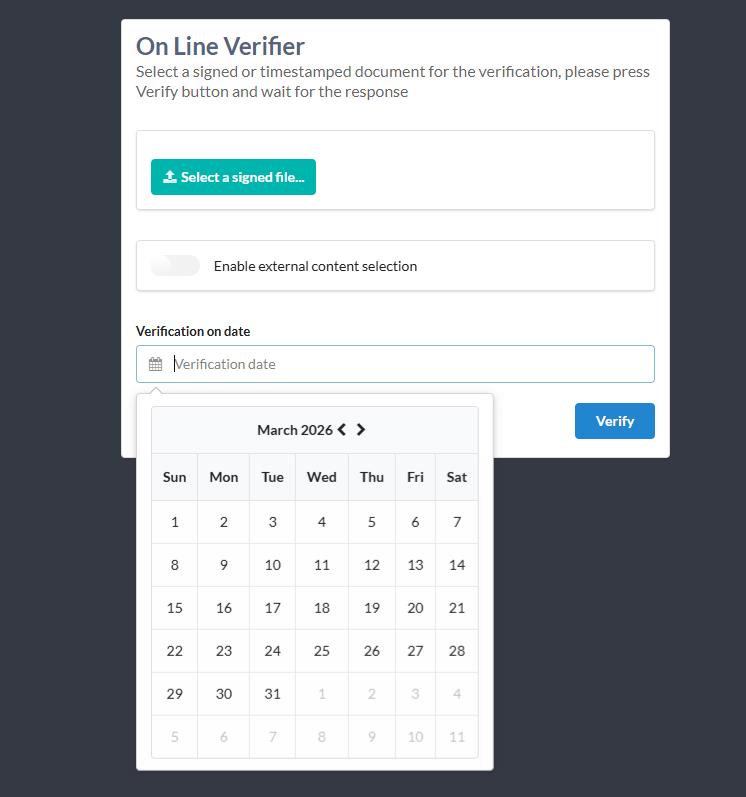
Users can upload a file through the “Select a signed file…” field.
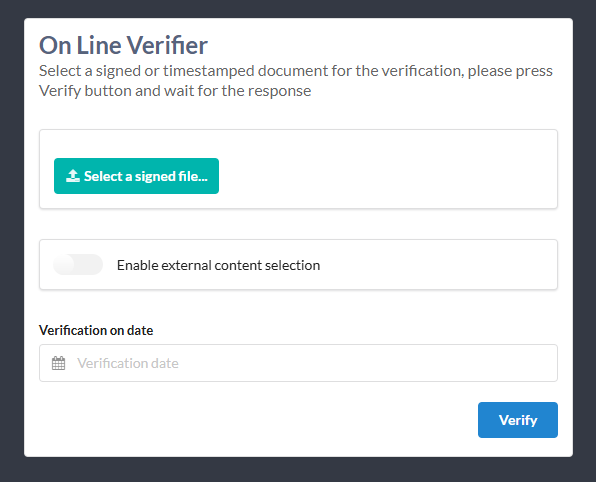
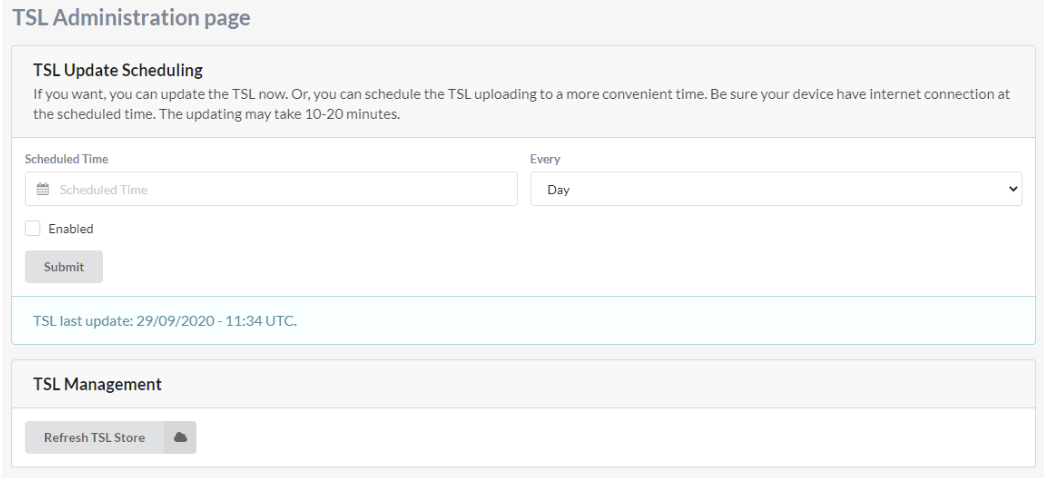
Before the first verification, the TSL lists must be updated.
After uploading a document, the system produces a verification report, composed of several sections.
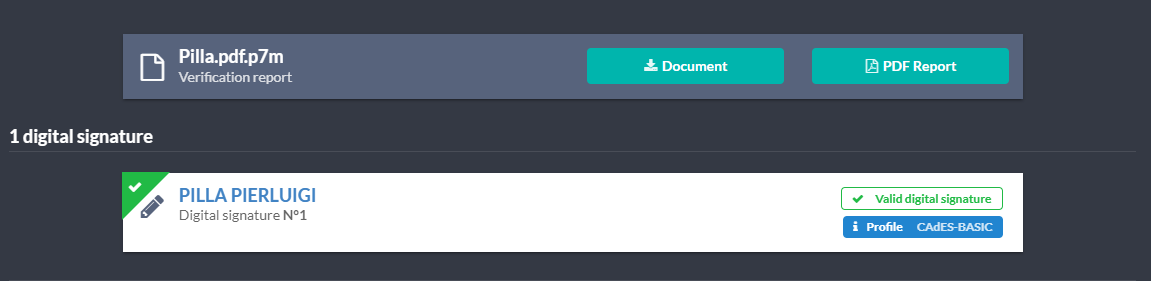
From the summary it is possible to:
- Download the original document (CAdES/XAdES or PAdES)
- Download the report in PDF format
- View all signatures in the document
- Consult validity, signer, signature profile, and technical information
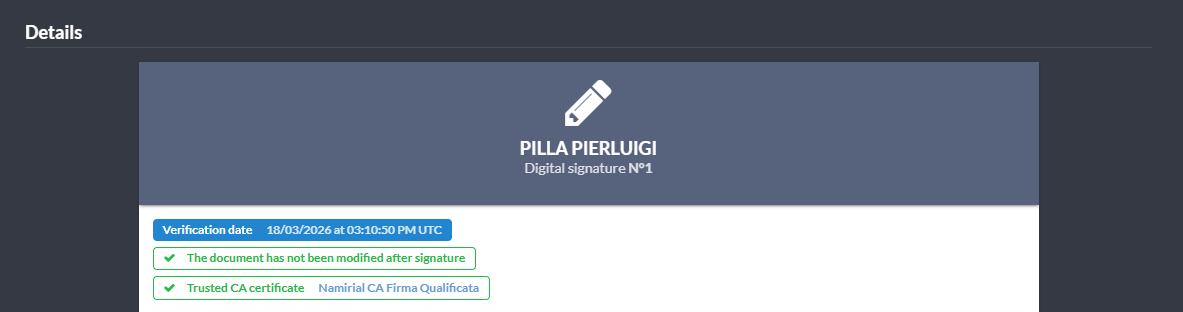
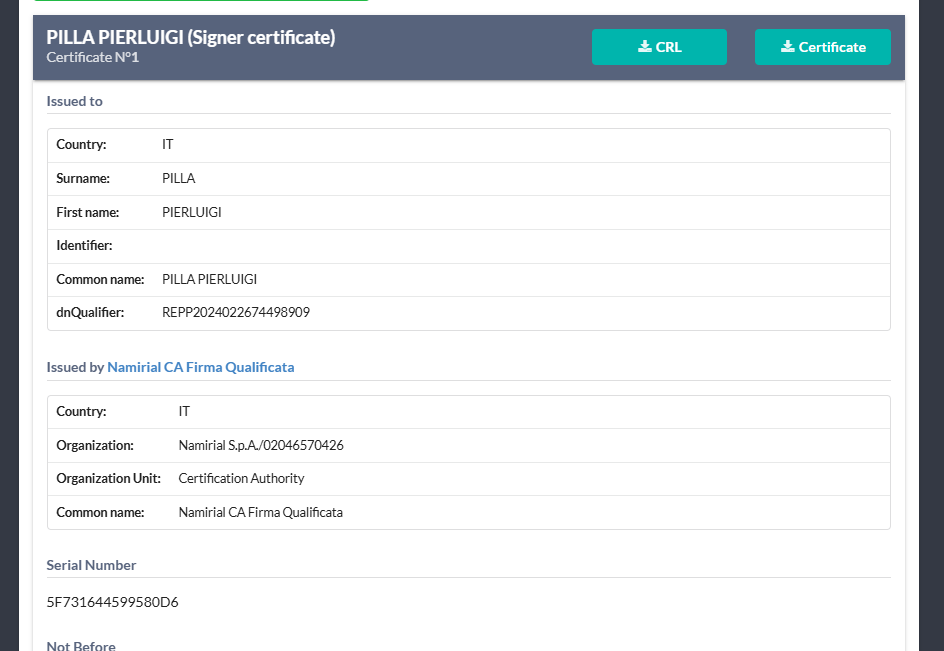
The system shows:
- Signer's certificate
- TSP certificate
- Technical and temporal signature parameters
VOL allows verifying a signature with respect to a specific date (different from the current one).
The user selects the date and then starts the verification.
The administration interface is available at:
http://:port/adminAfter the first installation, the TSL must be updated manually:
- Access the administration interface
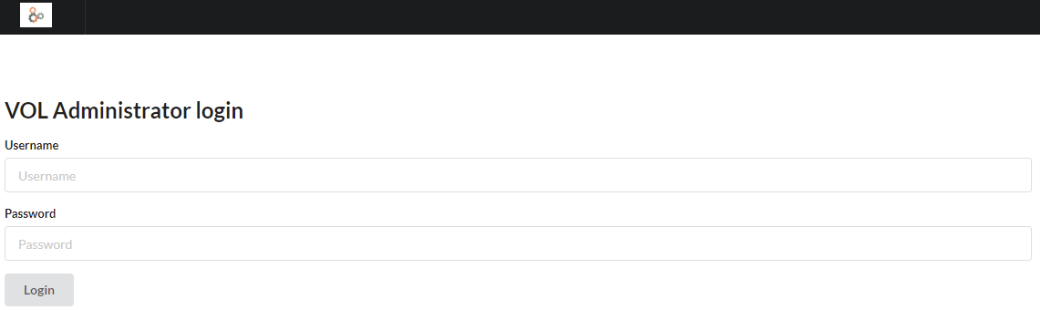
- Authenticate
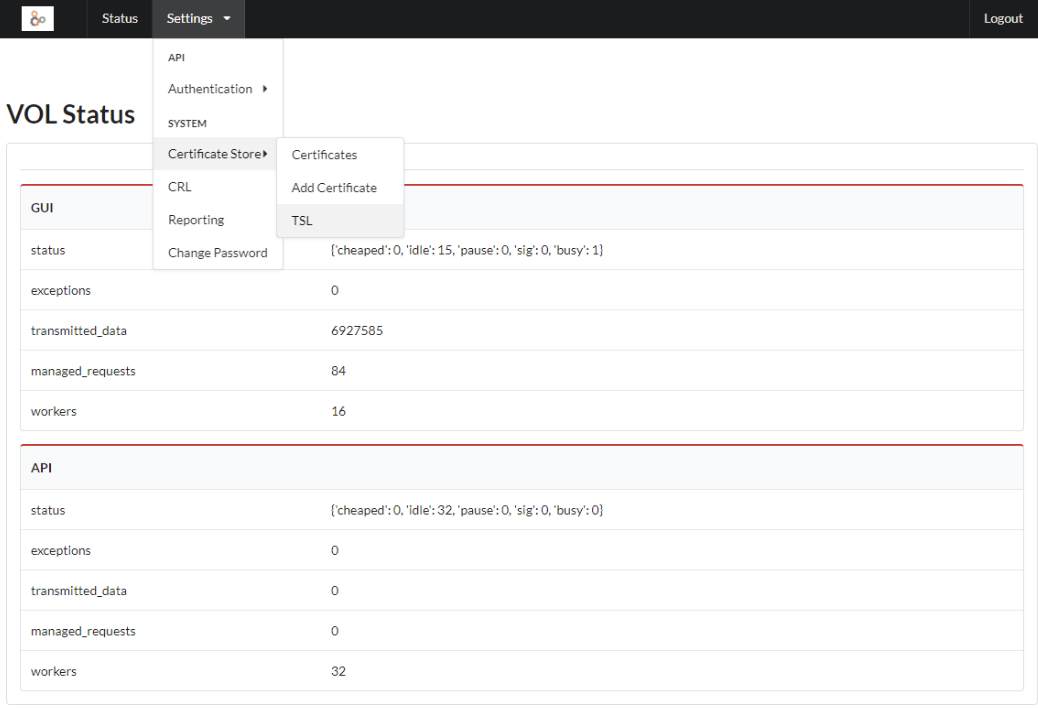
- Navigate to
Settings → Certificate Store → TSL
- Press Refresh TSL Store
System security is based on:
- Token-based authentication
- Access restrictions to the console via the
allowers.conffile - Root and intermediate certificate management
- TSL and CRL updates
- The possibility of using a private Docker registry
Example tag/push to a private registry:
- docker tag vol_api docker.rete.dom:5000/vol_api
- docker push docker.rete.dom:5000/vol_api
To configure the server TLS certificates, you need to identify the volume used by the web server. The volume is created at the first startup of the VOL, after which you can run the following command:
$ docker volume ls | grep web_storagelocal vol_web_storageIn this example, the prefix vol_ is automatically added by Docker Compose based on the value of the --project-name option.
At this point, you can locate the volume path with the following command:
$ docker inspect voldockerhg_web_storage | grep Mountpoint"Mountpoint": "/var/lib/docker/volumes/voldockerhg_web_storage/_data",You can then modify the files:
- server.cer
- server.key
located in the indicated path.
The files must be in PEM format, as required by the Nginx documentation.
docker-compose --project-name vol up -d docker-compose --project-name vol ps Single service:
docker-compose --project-name vol logs <service_name> All services:
docker-compose --project-name vol logs docker-compose --project-name vol down The --project-name option allows defining a prefix for persistent volumes.