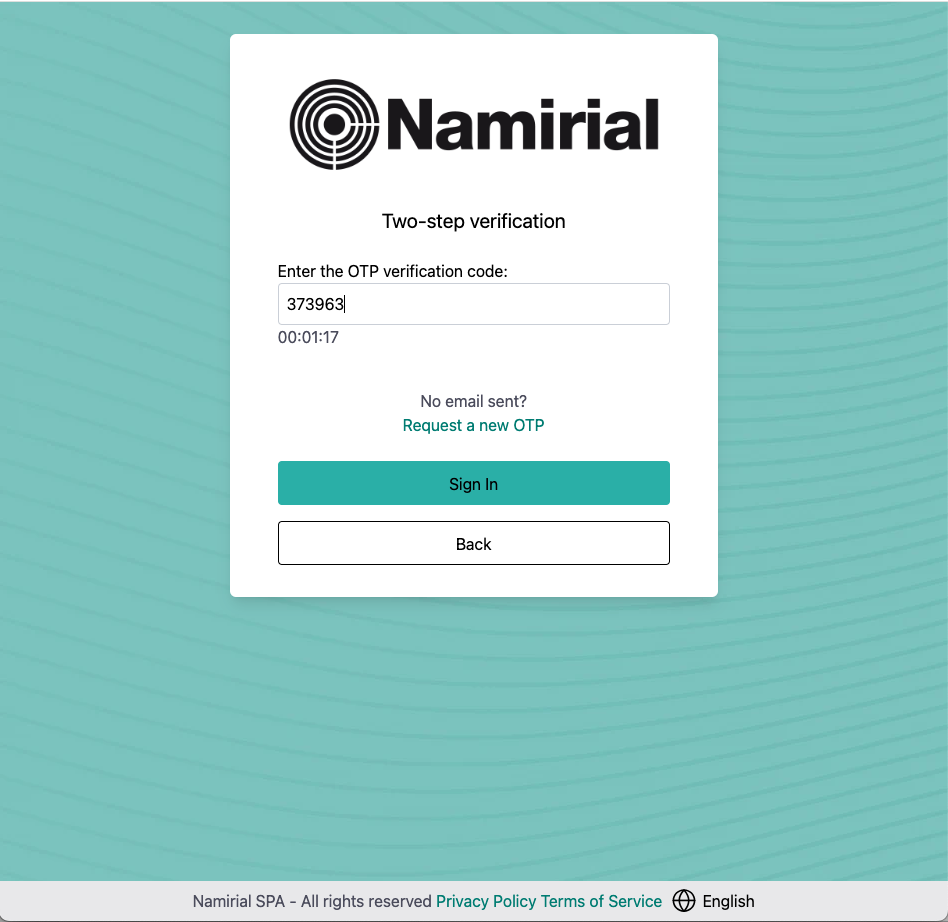
Insert your credentials (email and password) and click Sign in.
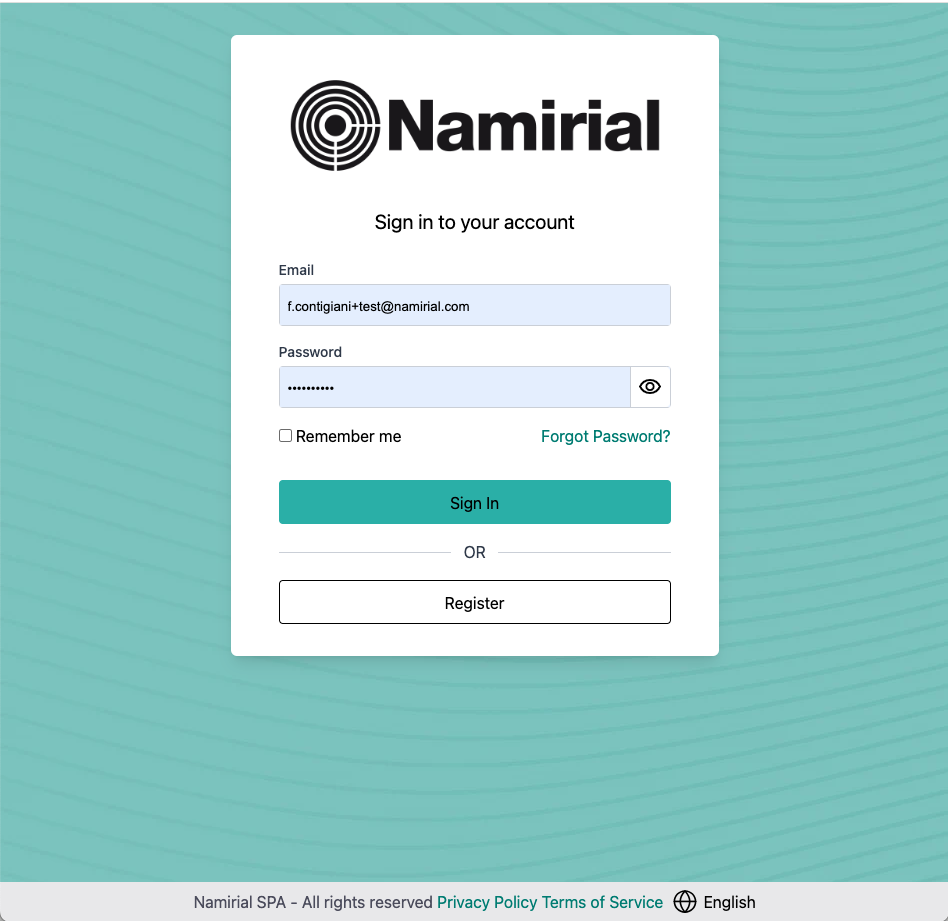
If you have more then one second factor of authentication (2FA), choose one and click Confirm.
You will receive a temporary code or OTP (One-Time Password) as second factor of authentication. In the next step you have to insert this code.
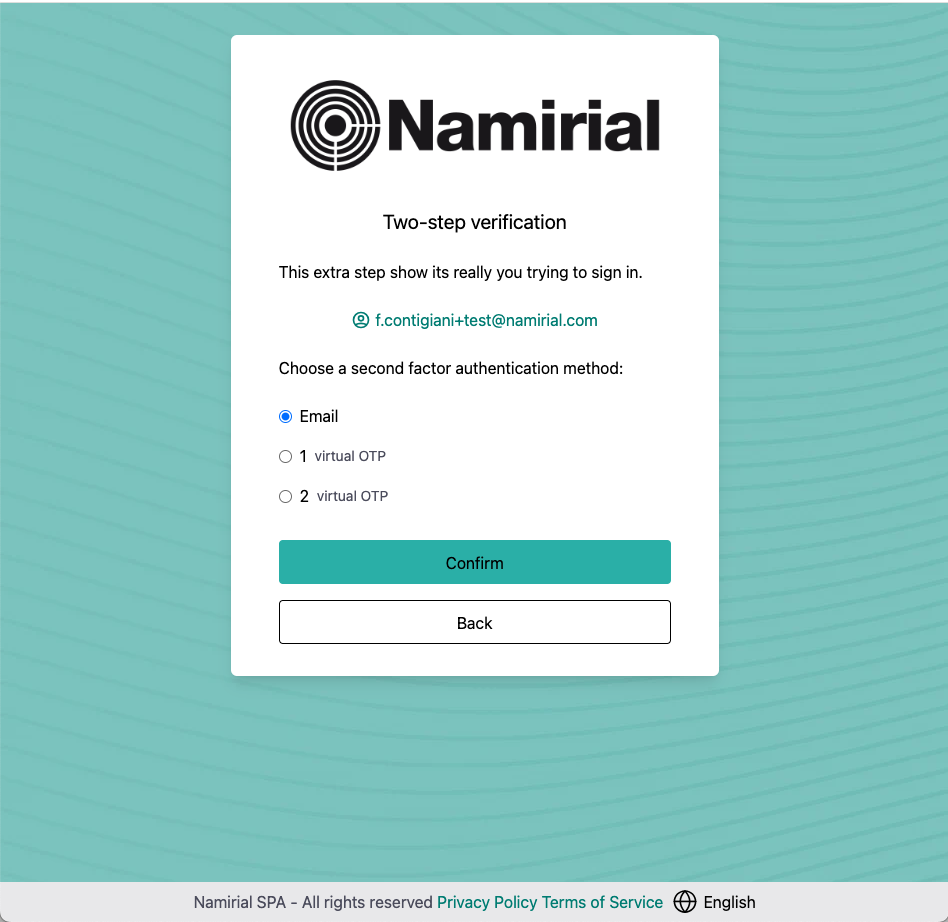
If you choose email as your second factor of authentication, you will receive an email with OTP to complete the login process.
An example of email OTP:
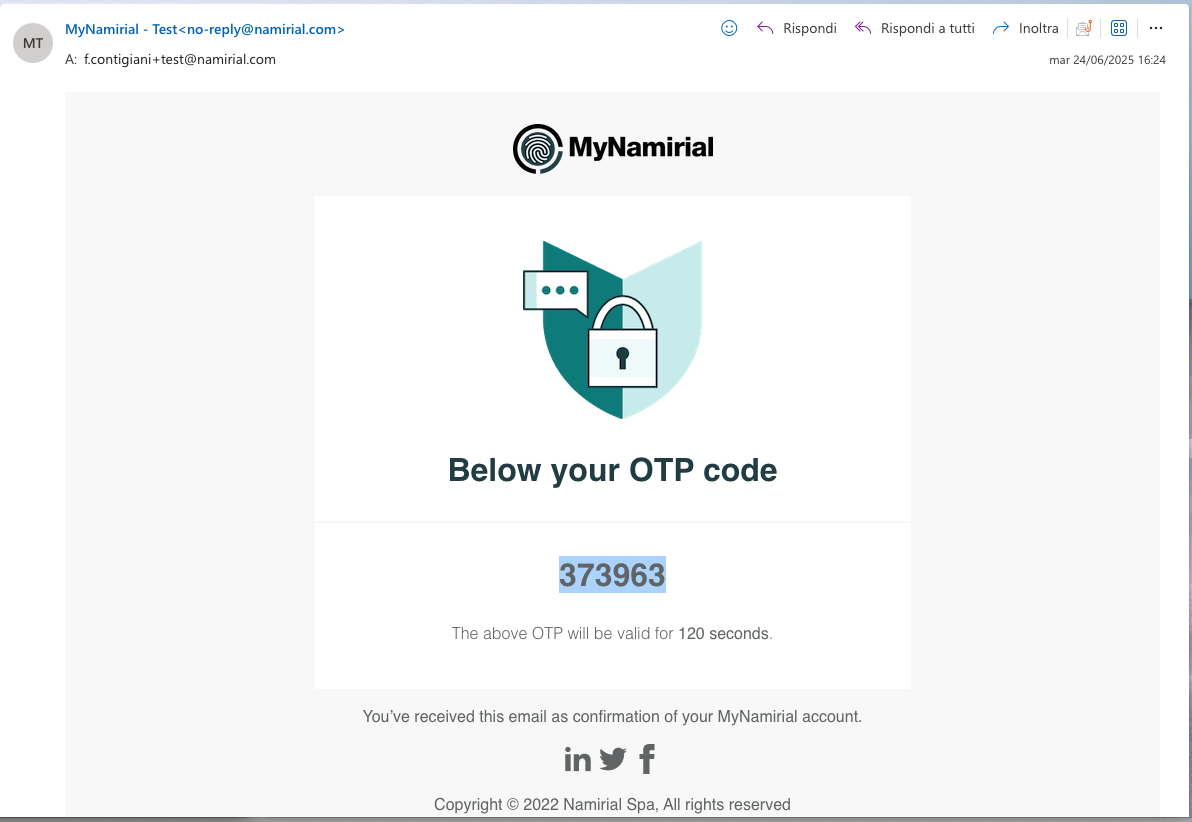
If you choose an authenticator app ("virtual OTP") as your second factor of authentication, you will need to open the app to retrieve the OTP.
Insert the OTP and click Sign in to complete the login.