To access the back office, these are the links, respectively:
PROD: https://eu-ie1-dashboard.namirialonboarding.com
TEST: https://test-eu-ie1-dashboard.namirialonboarding.com
Once select the link, you get a screen like this:
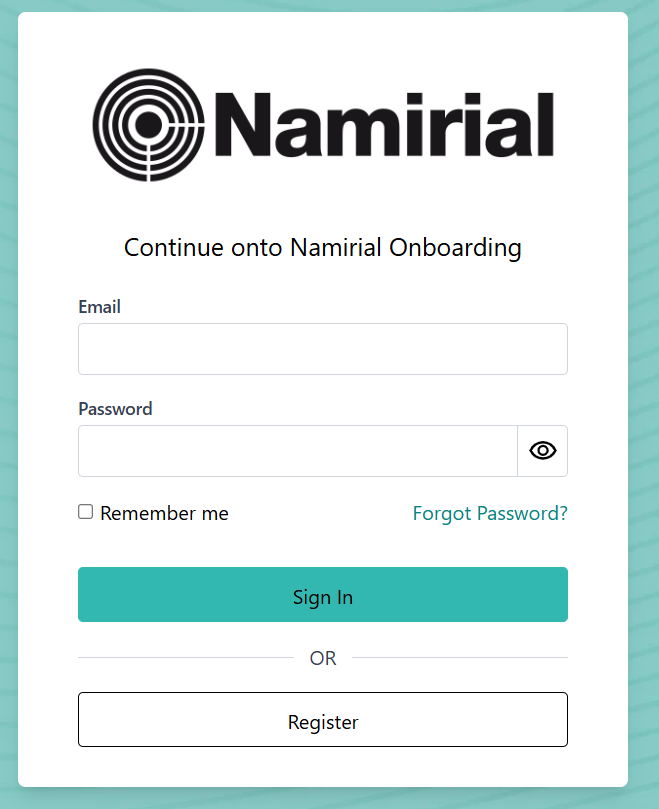
If you already have a mynamirial account, you have to insert your credentials and press Sign In. There are 2 possibilities:
- You have the Namirial onboarding account, so you can log in correctly
- You don't have a Namirial onboarding account already, so the login will fail. You will need to contact your reference person in Namirial.
If you don't already have an account, you have to click on "register" and insert your data to create a MyNamirial account.
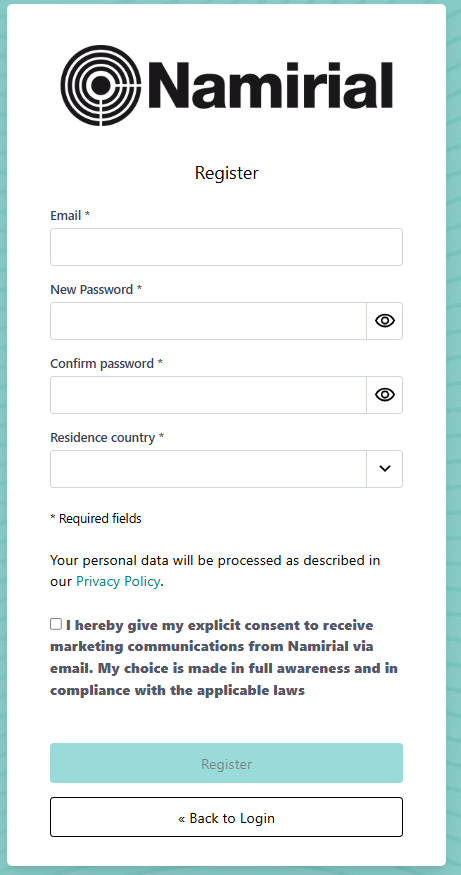
As stated in the previous step, to access the back office, creating a mynamirial account is not enough. You also need to have an account on the back office side, and you must ensure that the email used for registering mynamirial is the same as the one for the NOB account; otherwise, the login will fail.
Based on the permissions granted to the user, once logged in, they will be able to see/do different activities. The available roles are:
OPERATOR: Back-office reviewer: approves/rejects verifications or whole requests with scoped privileges.
Views requests and performs actions such as approving or rejecting. Used by clients or internal teams.
HELPDESK: Read-only global access with operational logs for users and requests.
Global, read-only access. Key tool: operational logs for each request and user changes. Helps diagnose configuration or process issues and escalates to Admins as needed.
APPROVER
MANAGER
USER MANAGER
ORGANIZATION MANAGER: Client-side admin profile: manages users, visual templates, and can create requests.
Can create visual templates and users; can make requests from the back office (e.g., testing). Cannot generate request types; for new flows, an Administrator is required.
REQUEST CREATOR: Creates onboarding requests via the back office or APIs (using an API key).
Can be linked to multiple organizations (specify target org via API). Uses all request types and templates defined in that org.
ACTOR WIZARD
ORGANIZATION VIEWER
ORGANIZATION AND USER VIEWER
WEEBHOOK WIZARD