This guide describes the recipient-side activation flow opened by the final customer from the link received by email.
The steps shown in this page depend on the service configuration. Identification and single mandate are displayed only when they are required for the activation.
Some displayed information also depends on the configuration prepared by the partner:
| Contract configuration | Effect in customer onboarding |
|---|---|
hasDelegate disabled or absent | The flow displays the legal representative data. |
hasDelegate: true | The flow displays the delegate data for the person who completes onboarding instead of the legal representative. |
dt-portal feature selected in the contract item | The flow can request or display the Portail DT administrator data. |
dt-portal feature not selected | Portail DT administrator data is not requested. |
- Log in from the activation link.
- Review the final customer data.
- Review the legal representative or delegate data.
- Complete identification, when required.
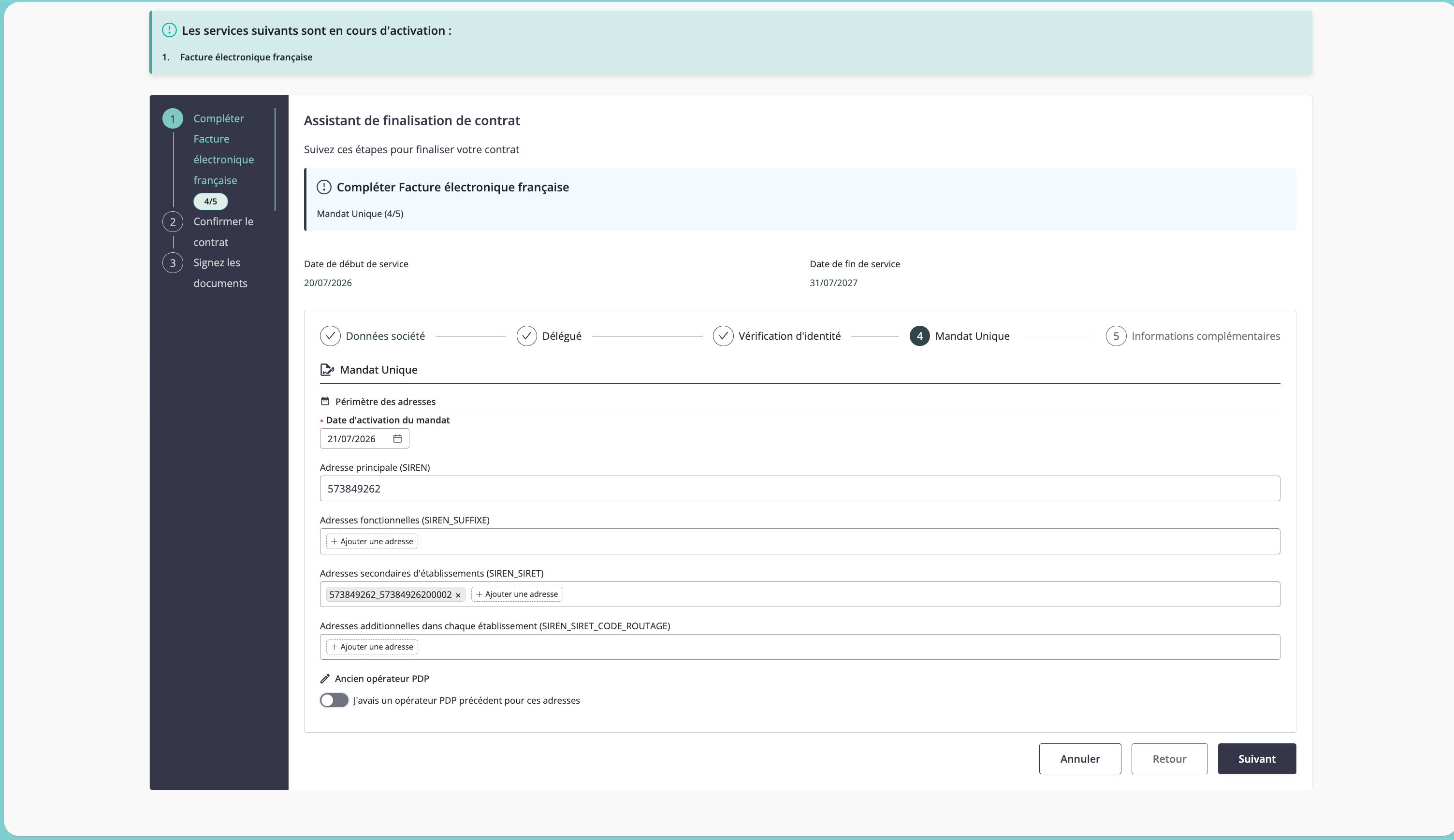
- Review and accept the single mandate, when required.
- Provide additional information.
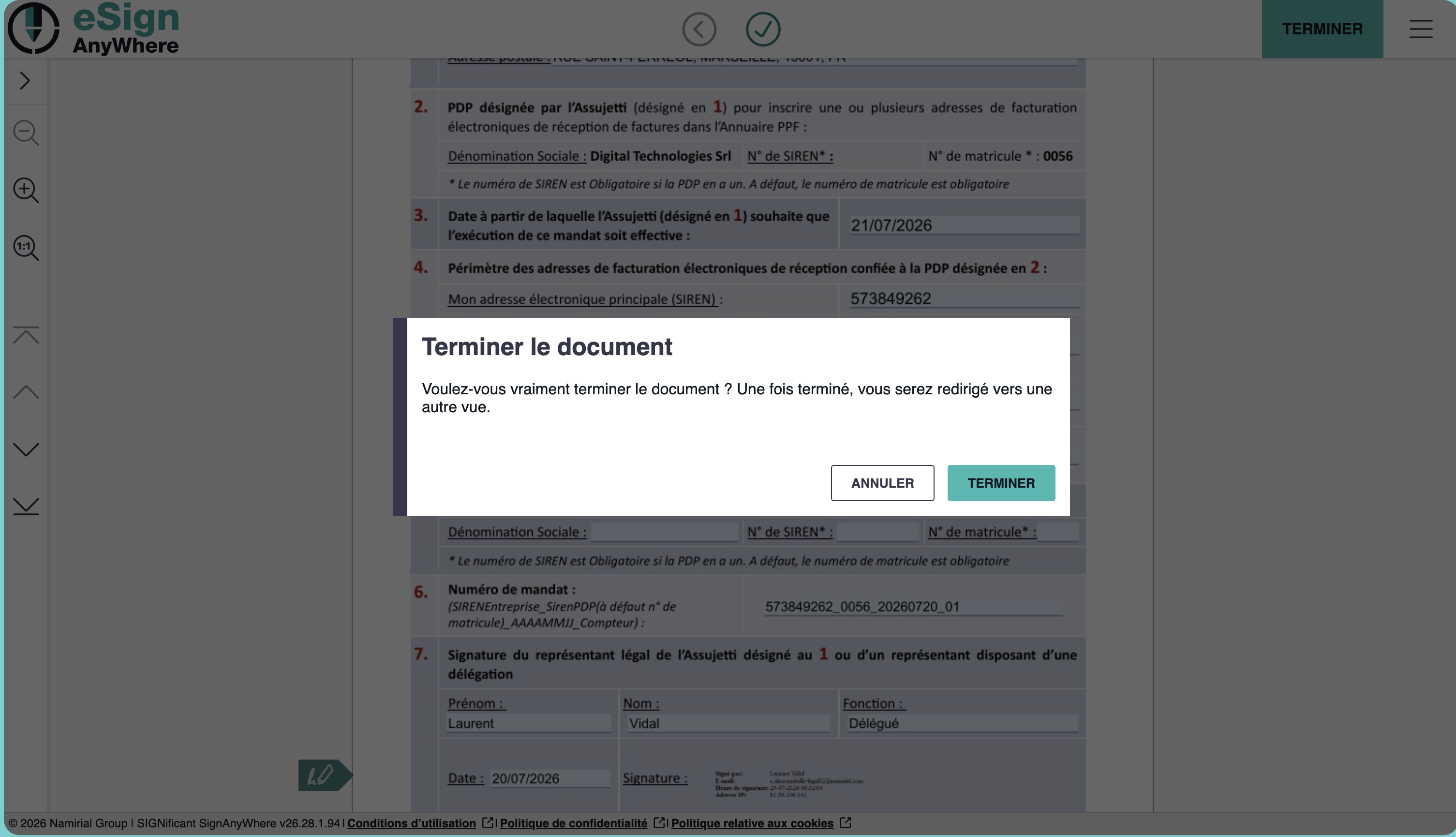
- Confirm and sign the activation documents.
The customer opens the activation link received by email and signs in to continue the service activation.
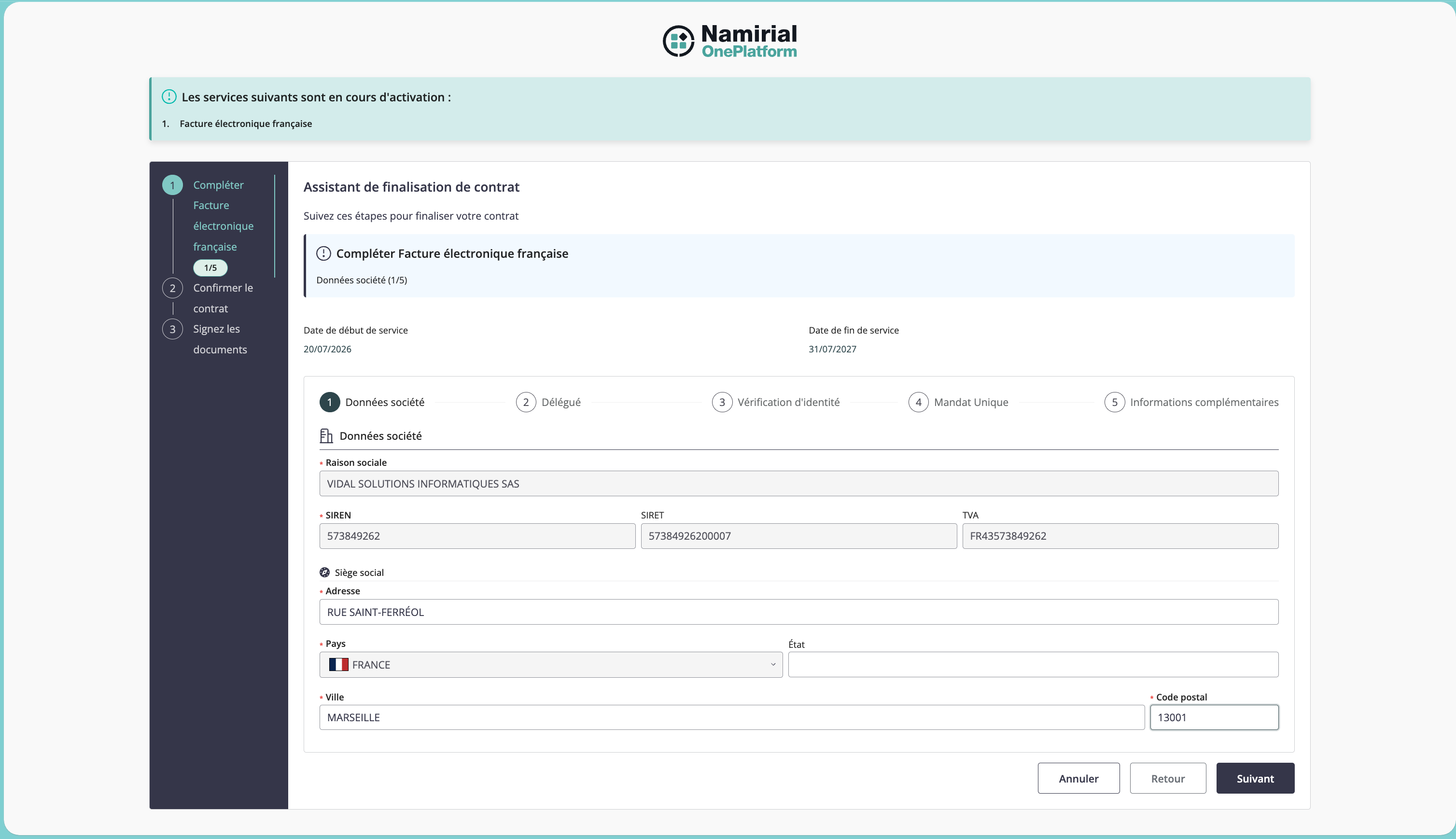
The customer reviews the company information used for the French eInvoice activation, including the legal name, identifiers, and contact data.
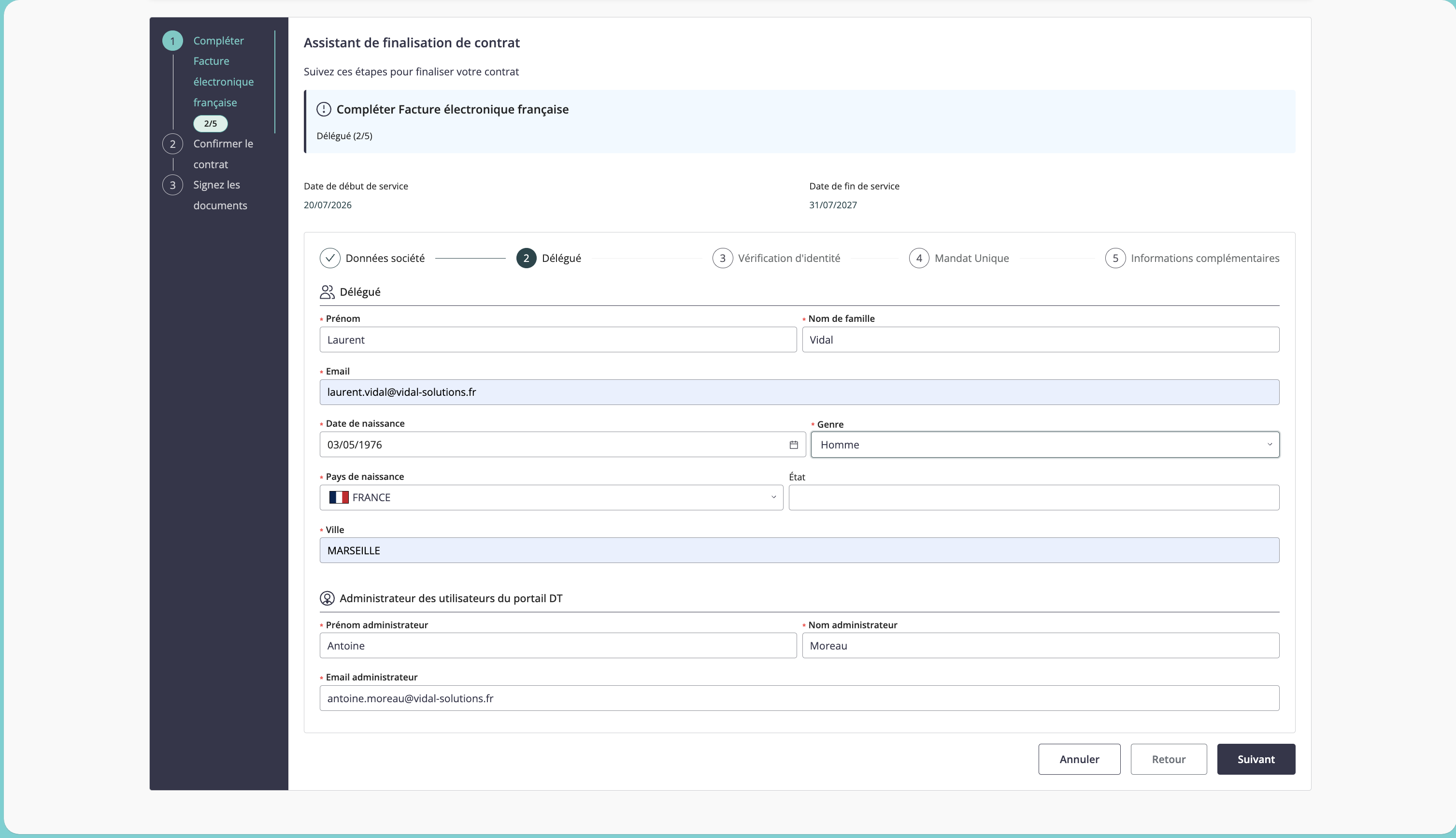
The customer reviews the profile of the person associated with the activation. By default, this is the legal representative. If the contract was configured with hasDelegate: true, this step concerns the delegate involved in onboarding.
When the contract item includes the dt-portal feature, Portail DT administrator data can also be requested or displayed in this flow. These data correspond to the adminEmail, adminFirstName, and adminLastName fields filled in by the partner. If dt-portal is not selected, this information is not required.
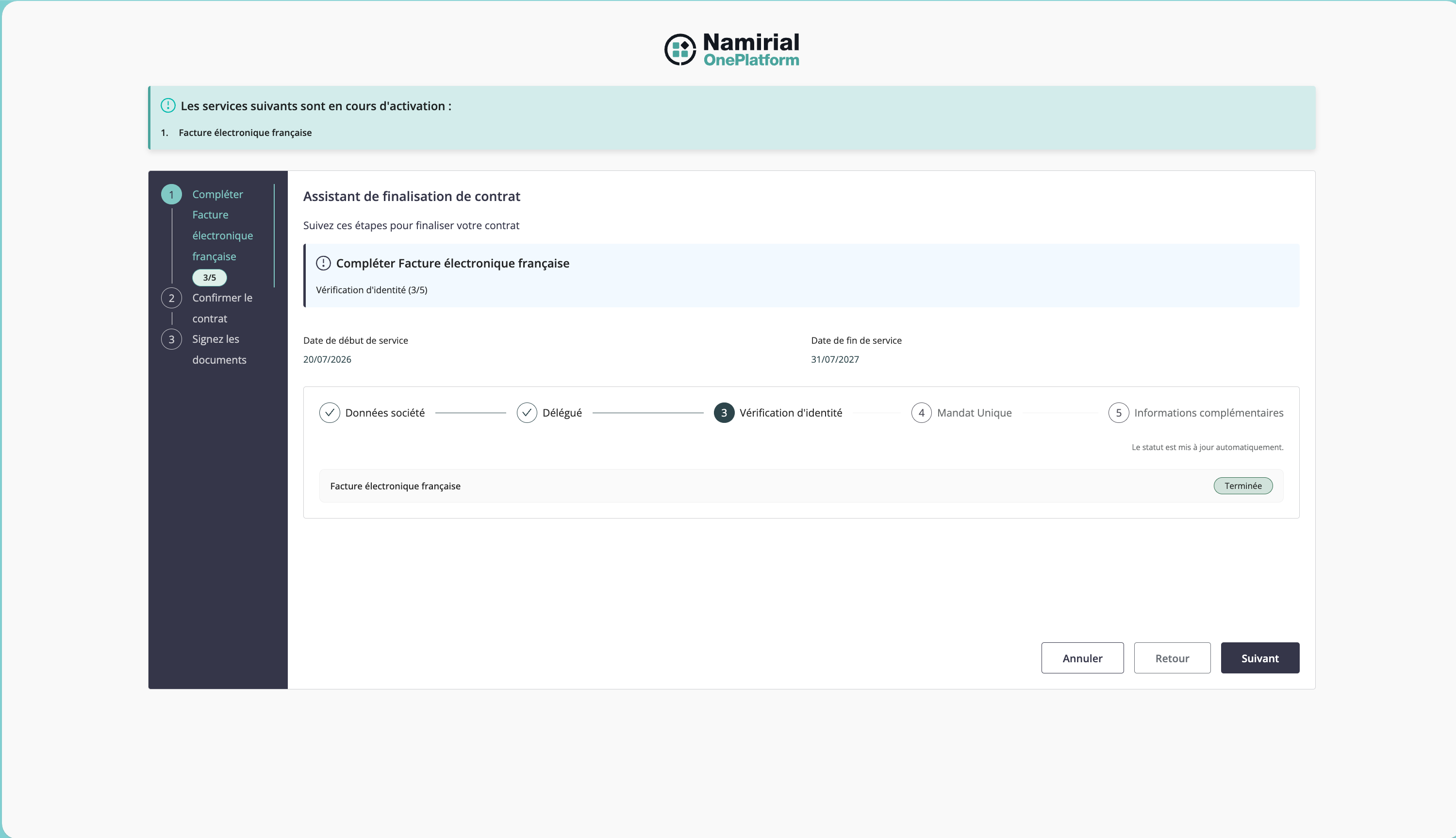
This step is displayed only when the activation requires identity verification for the legal representative or the signing flow.
The customer starts the identification process from the activation wizard.
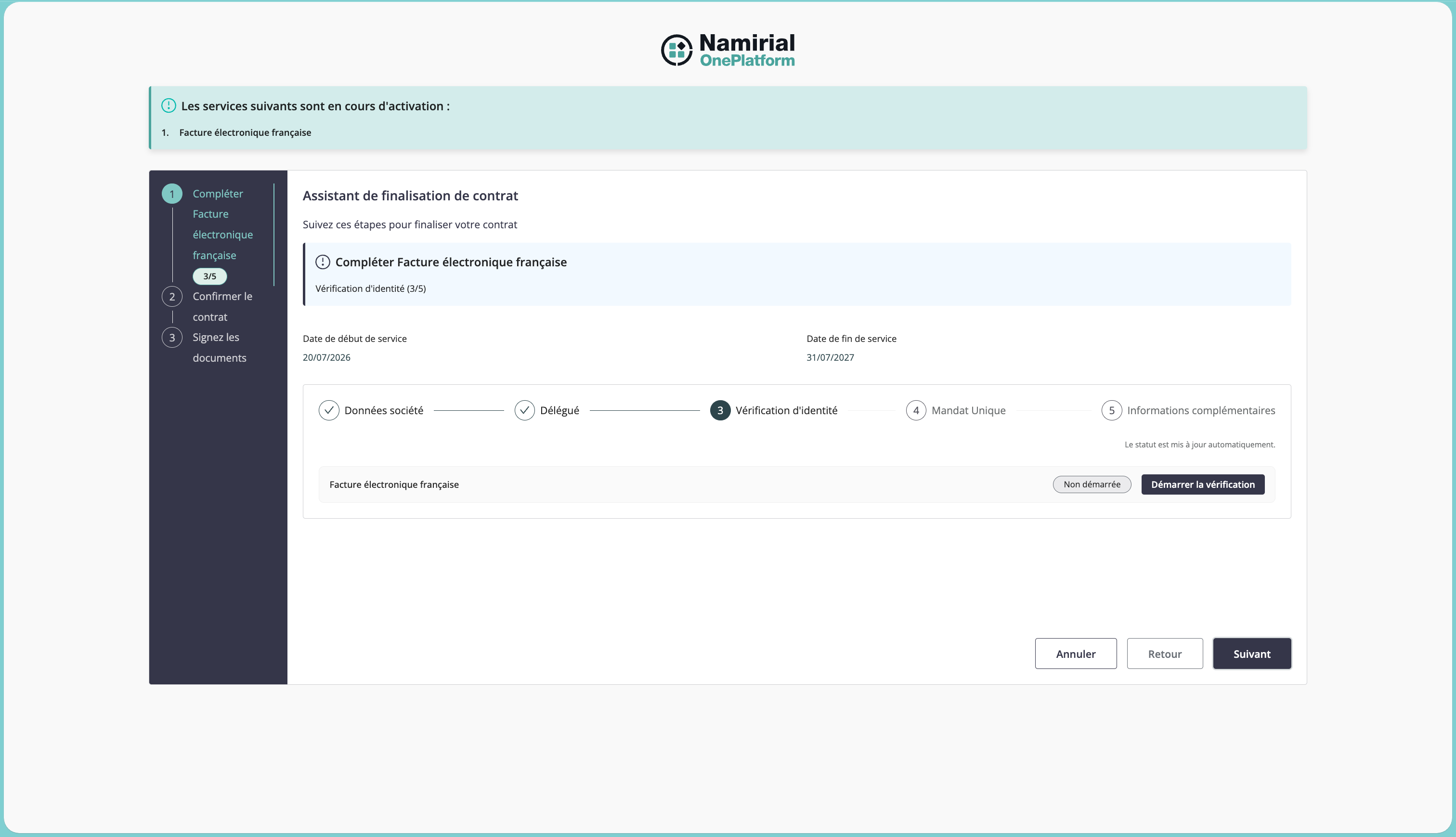
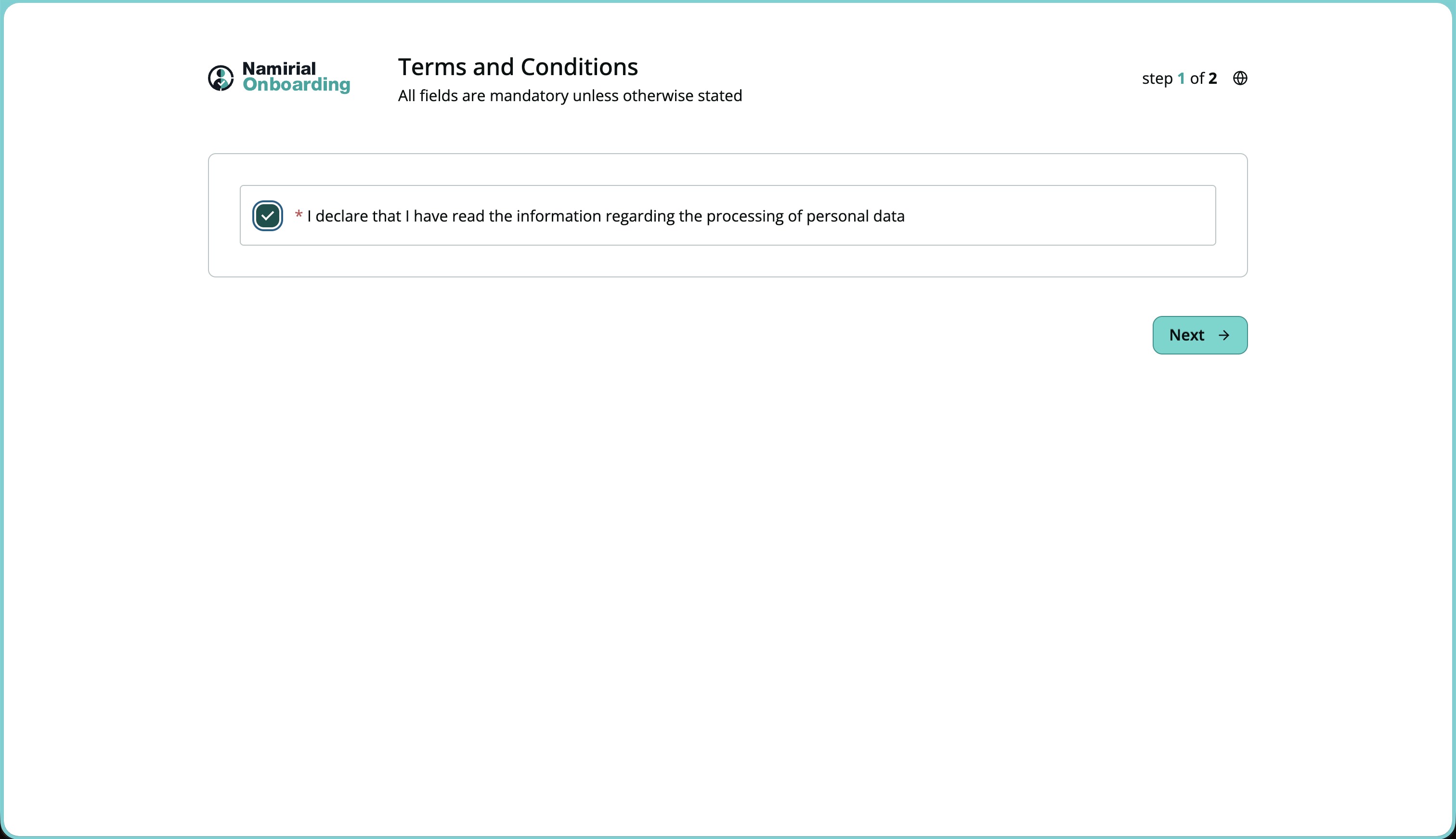
The identification provider guides the customer through the recognition step.
After the identification is completed, the activation flow can continue.
This step is displayed only when the activation requires a single mandate. The customer reviews the mandate information before continuing.
The customer provides or confirms the additional information required by the French eInvoice service activation.
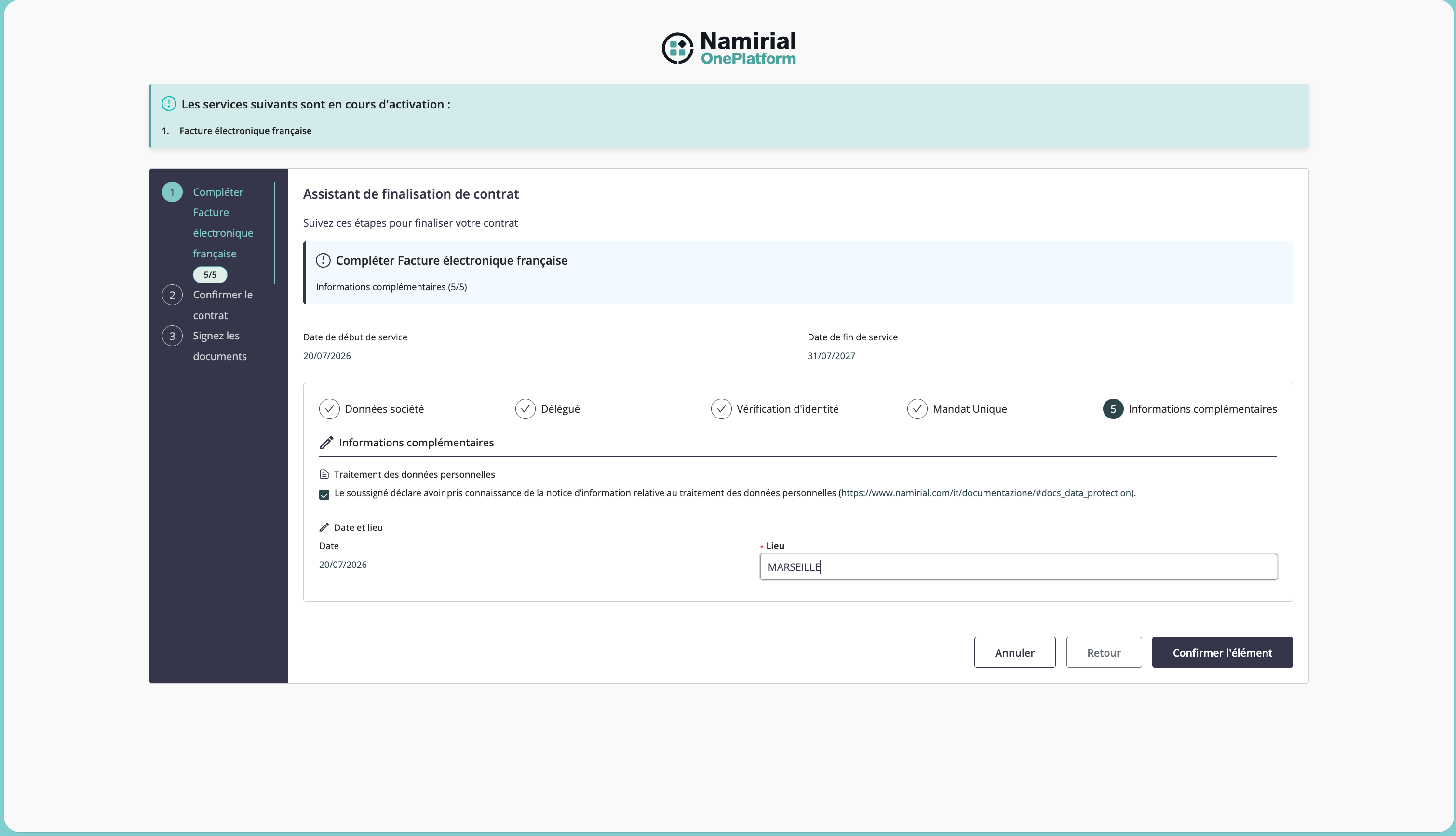
The final step guides the customer through confirmation, document composition, and signature.
The customer confirms the start of the signature phase.
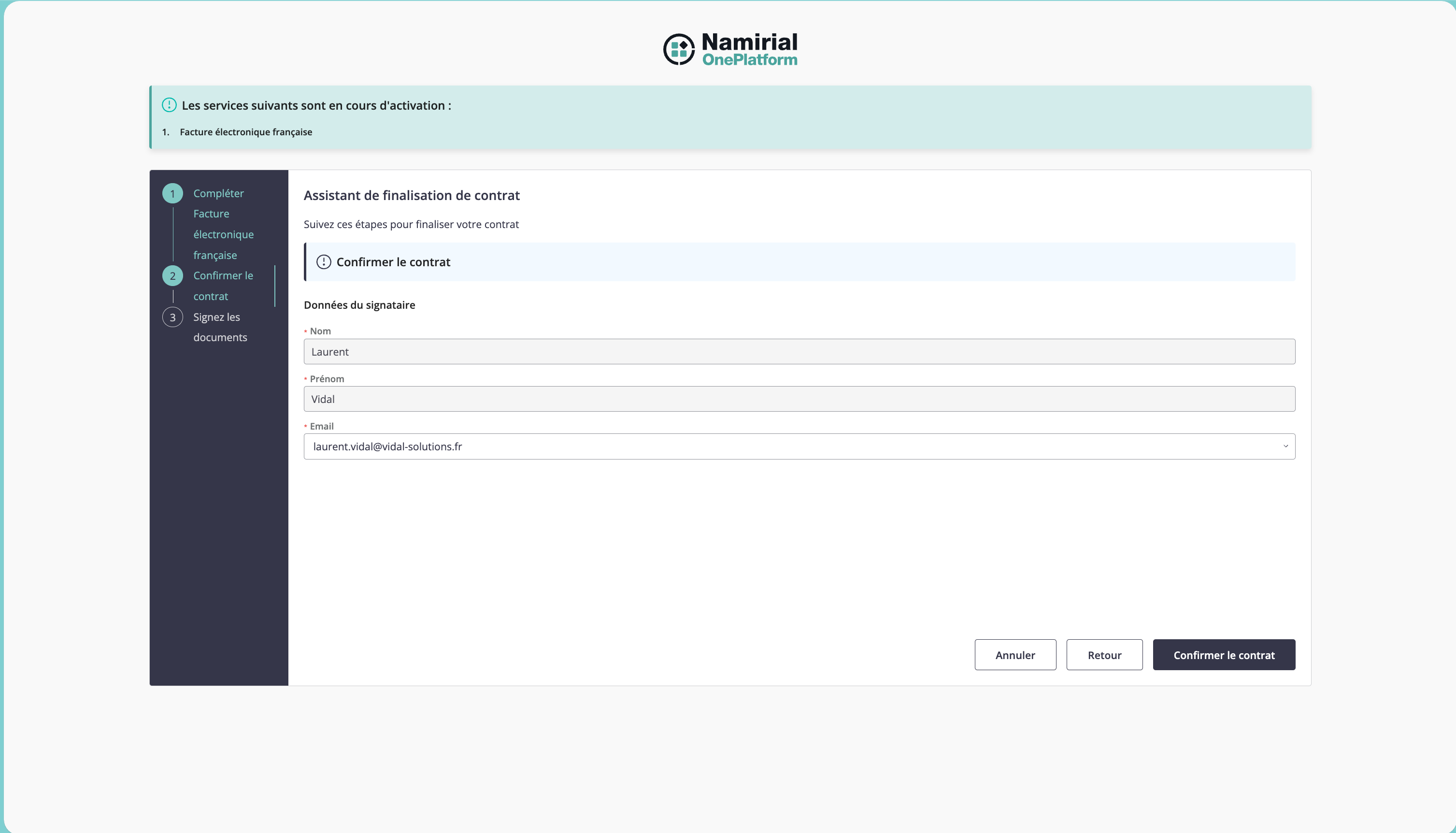
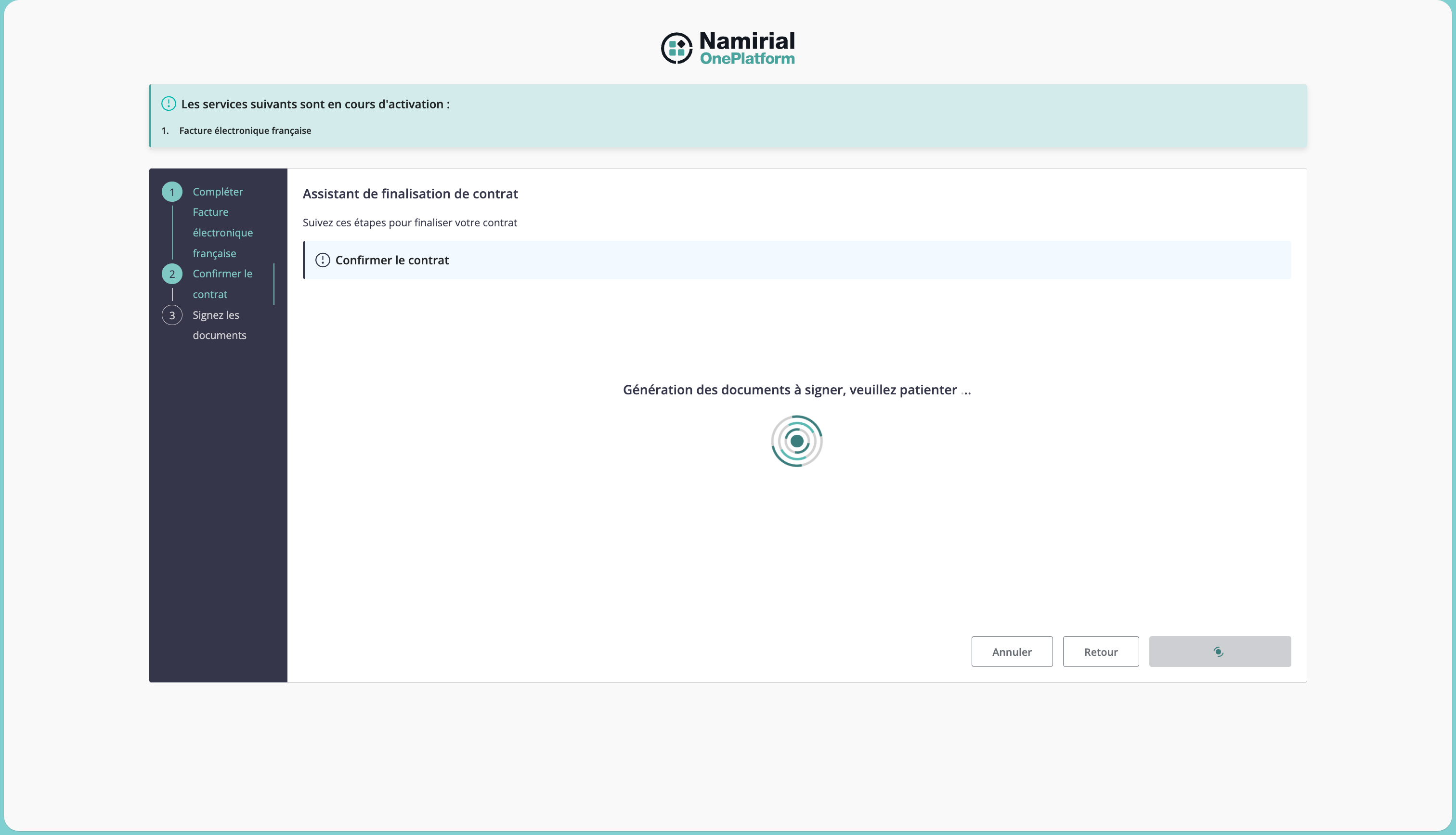
The signing package is prepared for the customer.
The customer starts the signing session.
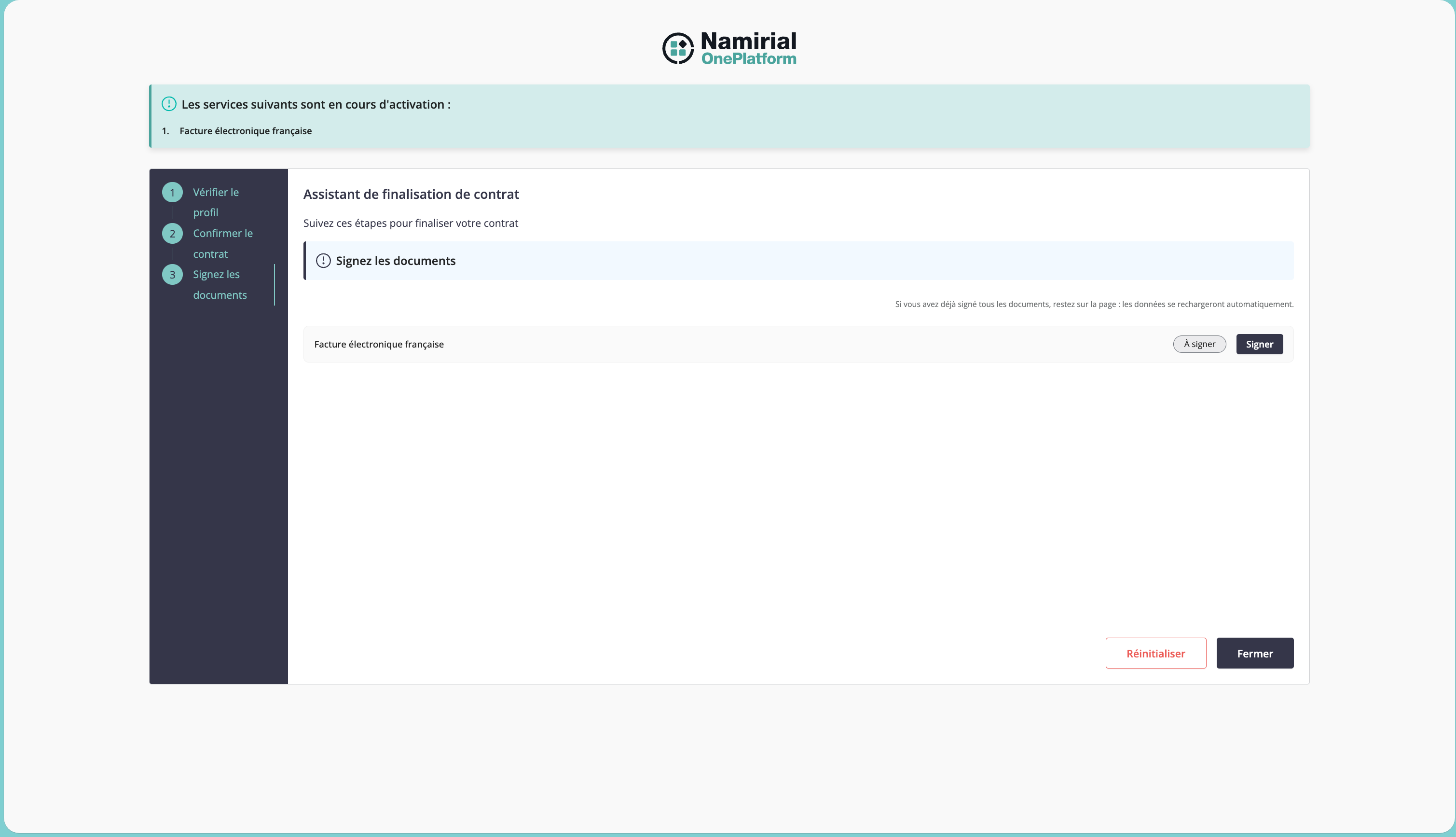
The customer signs the required activation documents. Depending on the service configuration, the package can include the terms and conditions, the mandate, or other documents to validate.
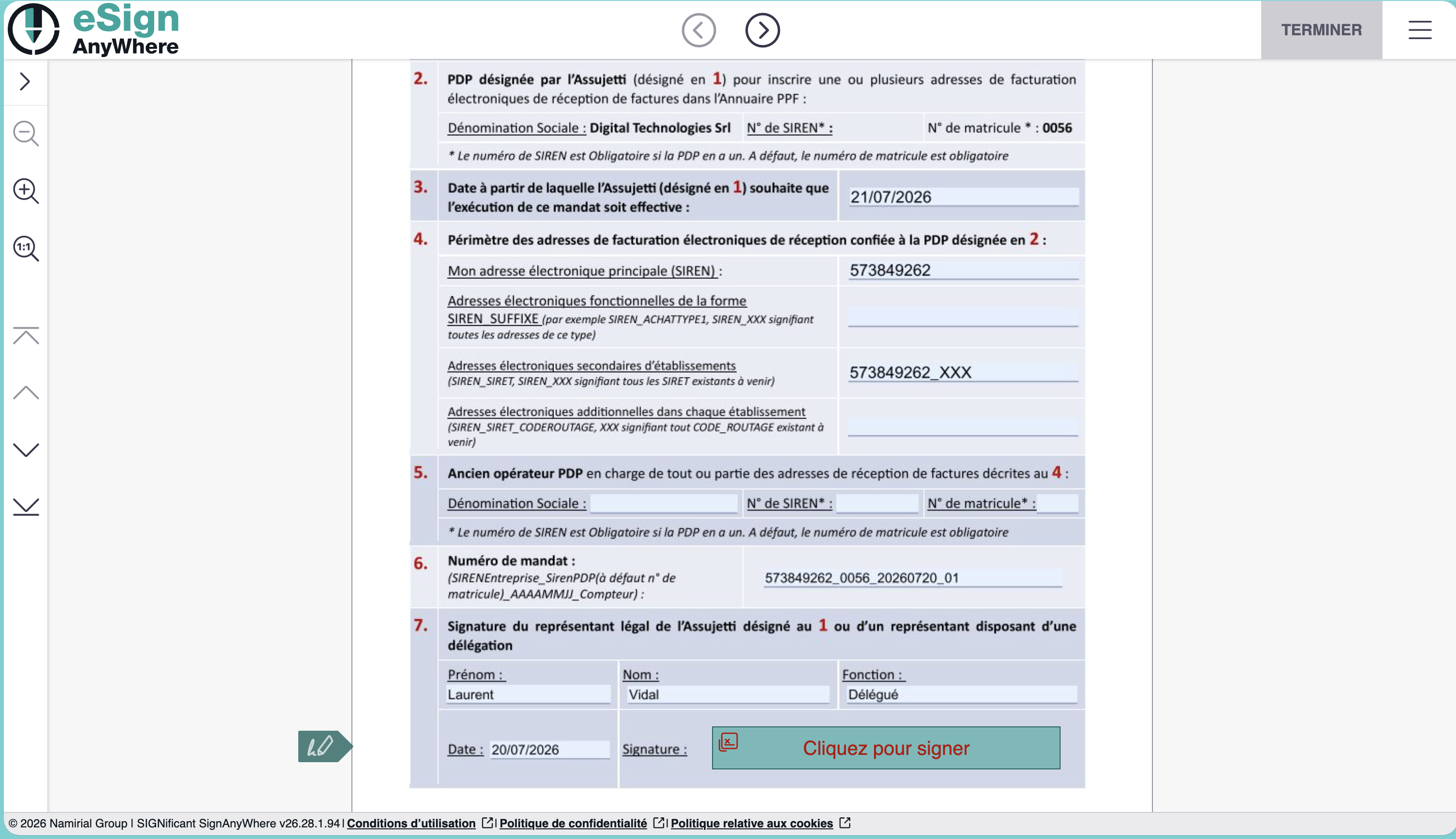
The customer completes the signature process and returns to the activation flow.