The Namirial Sign mobile app is distributed in the following versions:
- Namirial Sign app for iOS, available on App Store for all devices with iOS 14 and above.
- Namirial Sign app for Android, available on Play Store for all devices with Android 8 and above.
To access the features of Namirial Sign, you must register and authenticate to MyNamirial. The software will prompt for authentication by opening a page where you can register (if not already done) or enter your credentials. Once logged in, Namirial Sign will validate the authentication and proceed to the next step.
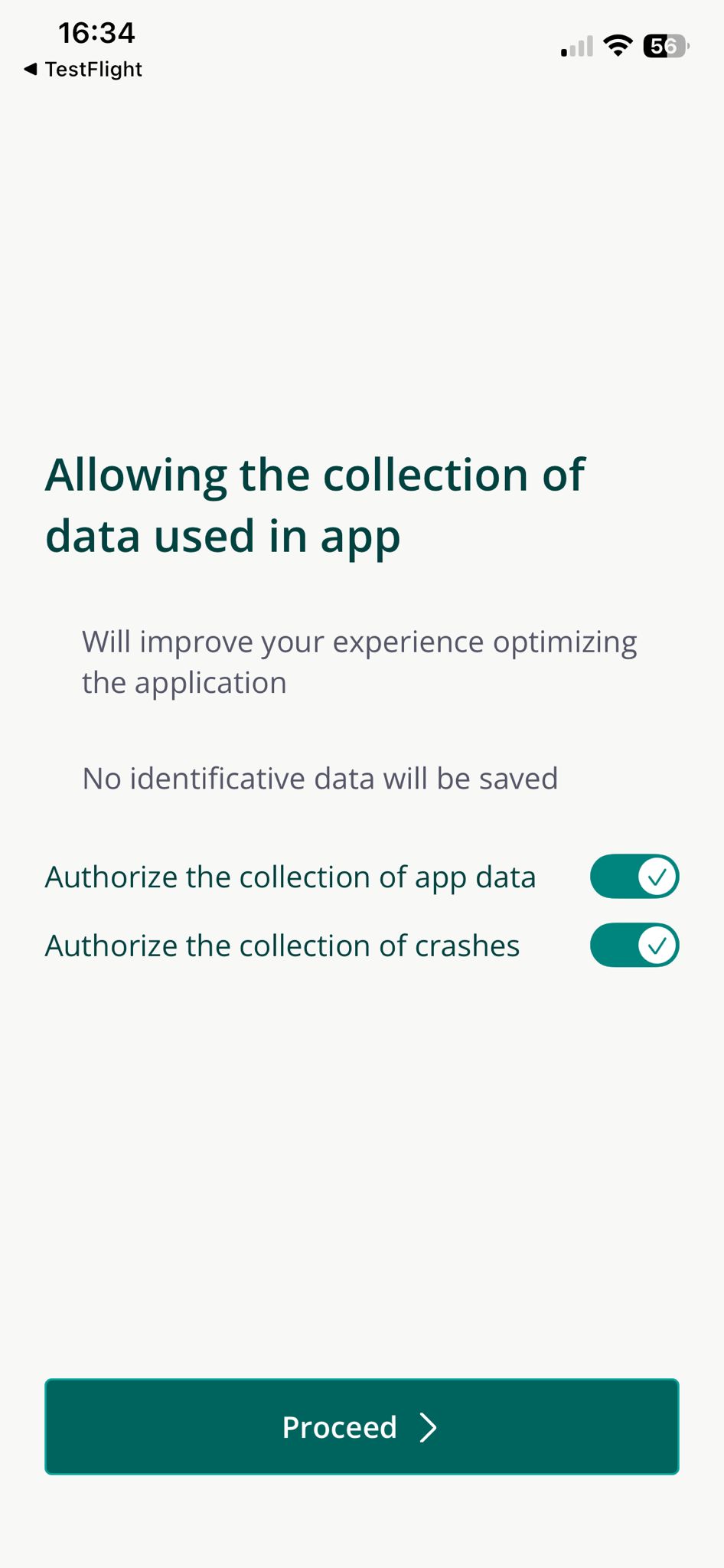
After executing the login to MyNamirial, the data collection check for Namirial Sign will be performed. If the software is used for the first time, you will be asked to authorize or not the collection of anonymous data for app usage and app crashes, so that we can improve the product thanks to your feedbacks.
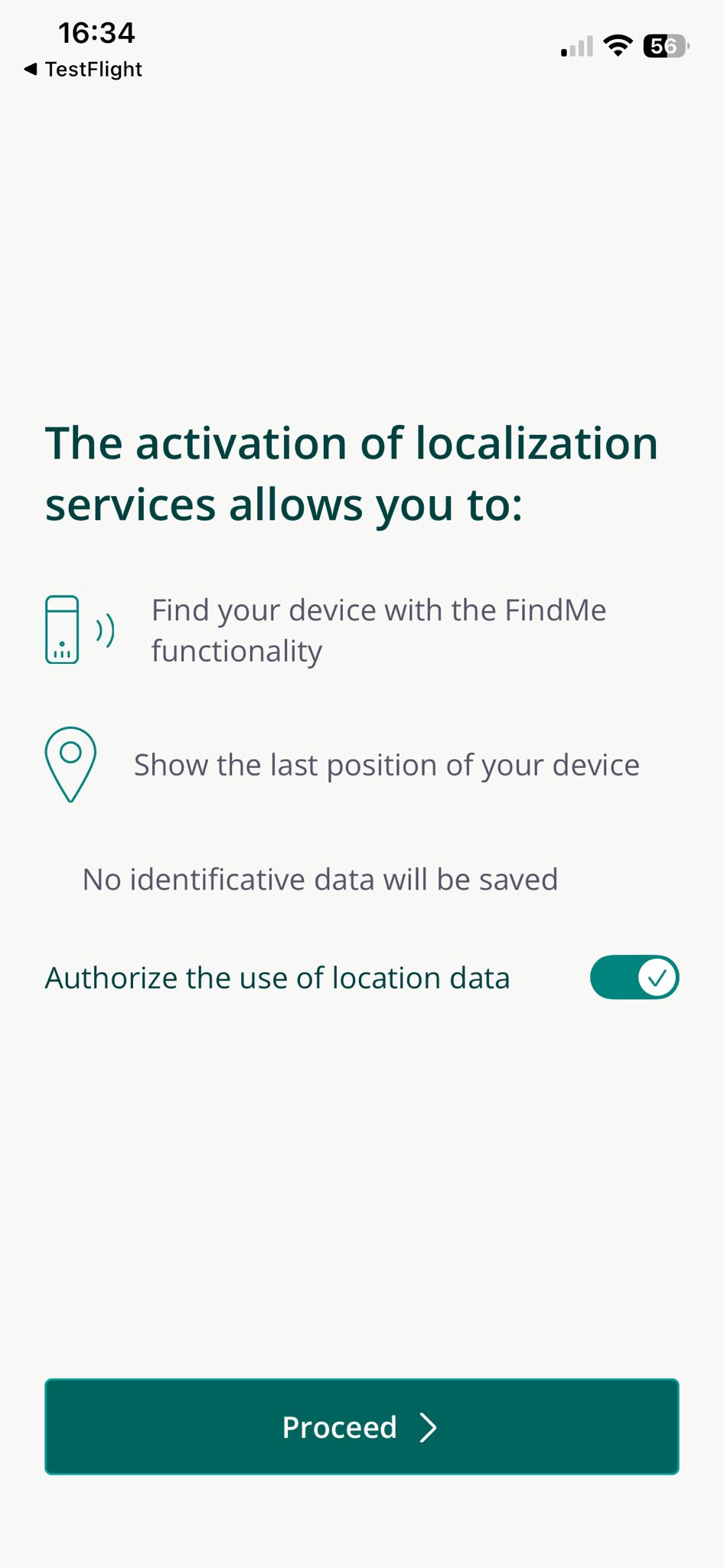
The second permission is related to the location. The location is very important because it's used for different features, like:
- add location in the signature (can be disabled).
- in case of signature with DigitalDNA key, to find the las position of the token.
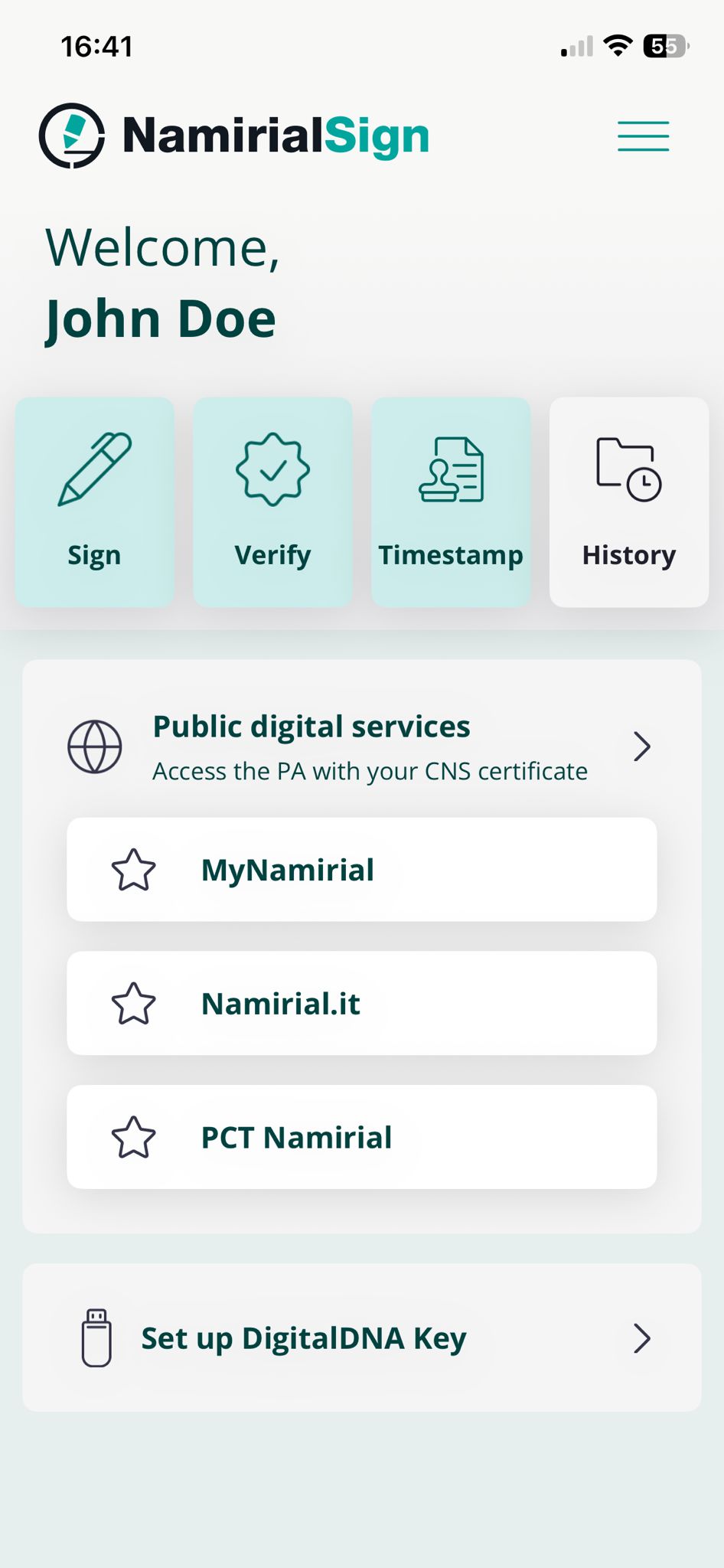
After all the checks indicated in the previous paragraphs, the main menu will appear on the screen, from which you can activate all the features available in the app:
- Sign a file by clicking the "Sign" button in the top bar.
- Verify the signature of files by clicking the "Verify" button in the top bar.
- Add a timestamp to a file by clicking the "Timestamp" button in the top bar.
- Check the history of the signed, verified and timestamped documents.
- Browse online web pages with an embedded browser by tapping on one of the links available on the page (or opening the full list of quick links) in the central card.
- Pair a DigitalDNA key, that is tipically user to sign documents with qualified certificates, but also to execute client authentication with auth certificates on web pages.
For each of these features just mentioned, there is a page detailing its use.
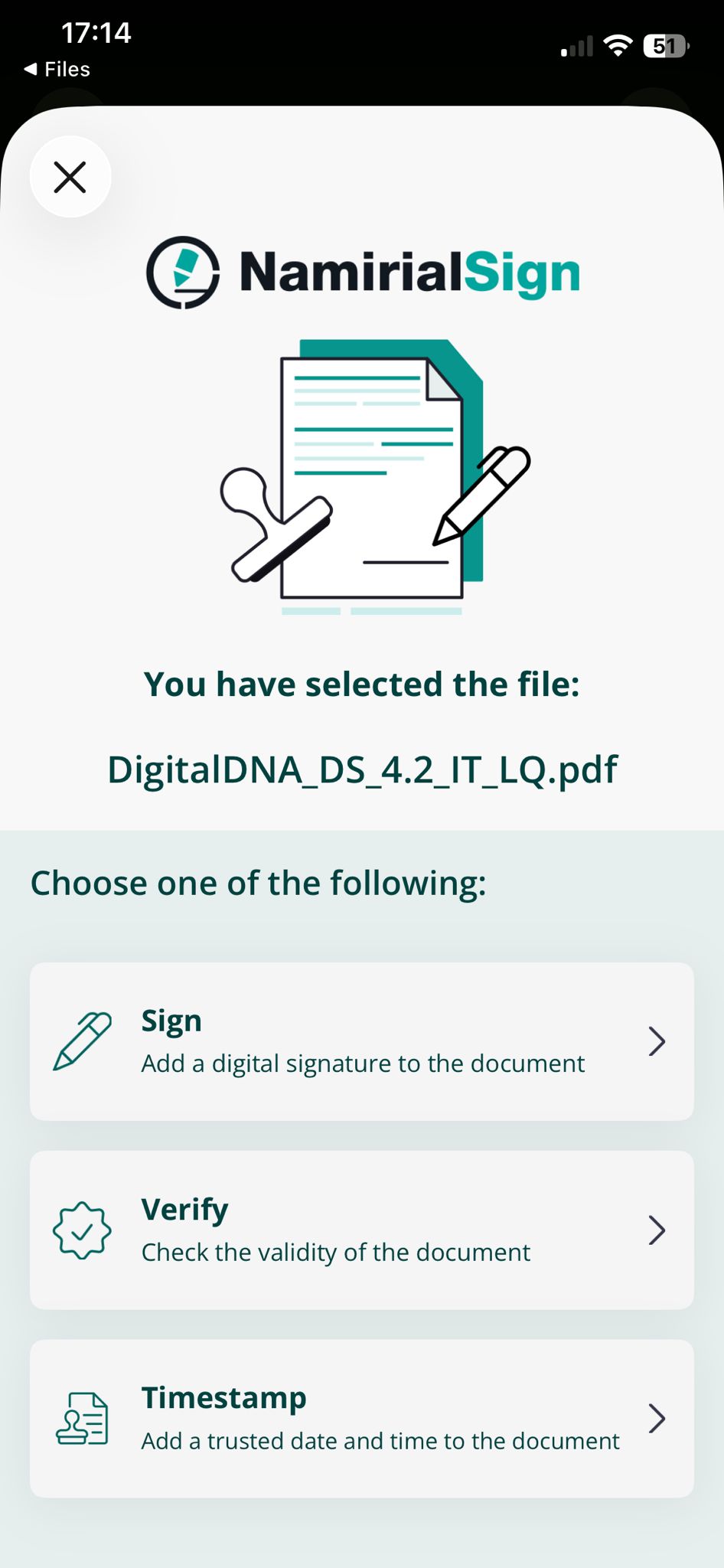
Namirial Sign allows you to perform signing, verification and timestamping operations quickly directly from some sharing option of your smartphone.
From a file on your smartphone, or opened on an external app, you can press the sharing button of your OS (iOS or Android) to open the menu and select the Namirial Sign application. You'll see the screen where you can select the type of quick operation to perform on the file.