This functionality is available only for users who are registered to Namirial Sign Enterprise
In case you are a Namirial Sign Enterprise user, you will have the possibility to manage and sign the envelopes you create or receive.
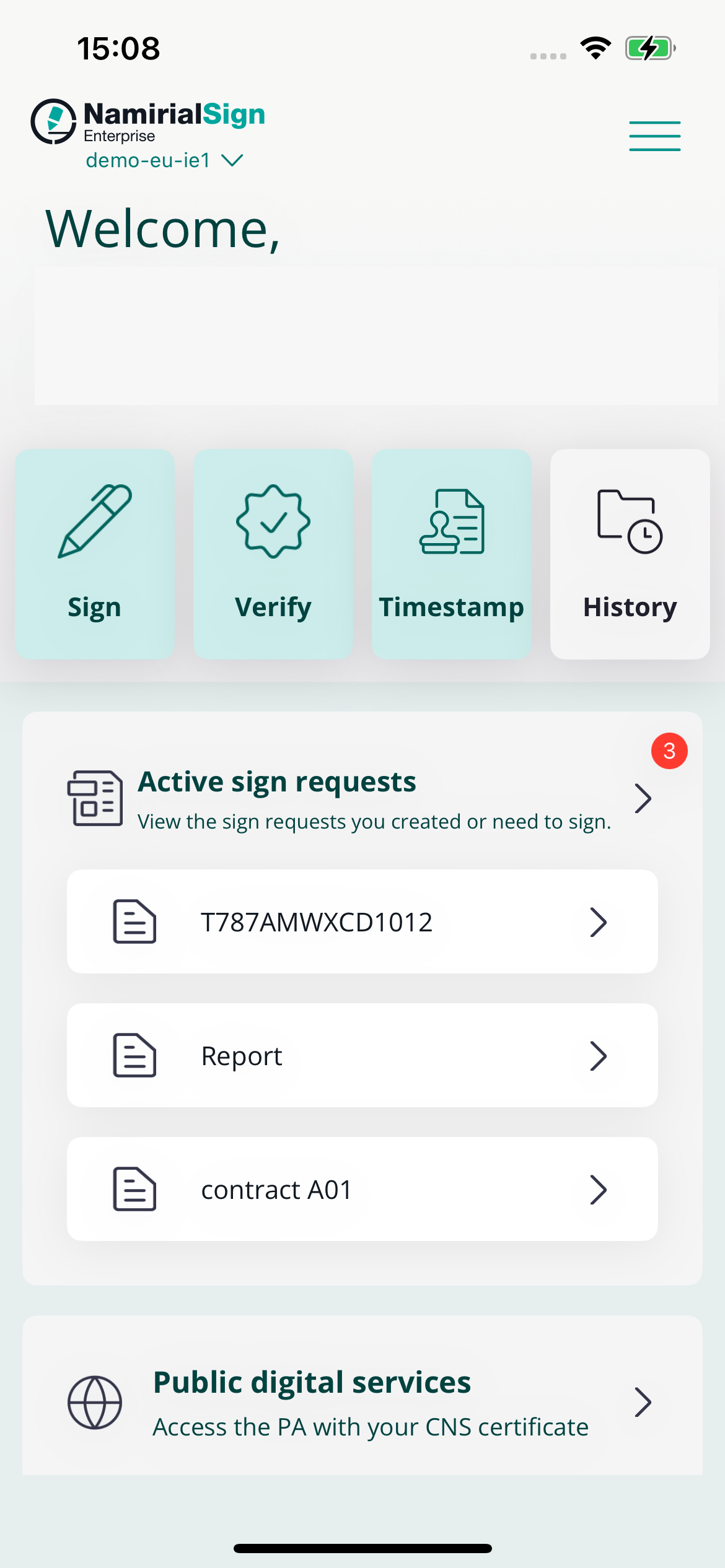
To do so, you can interact with a special widget 'Active sign requests' that will be available for you.
Once a person send you an envelope, you will receive a notification on your smartphone.
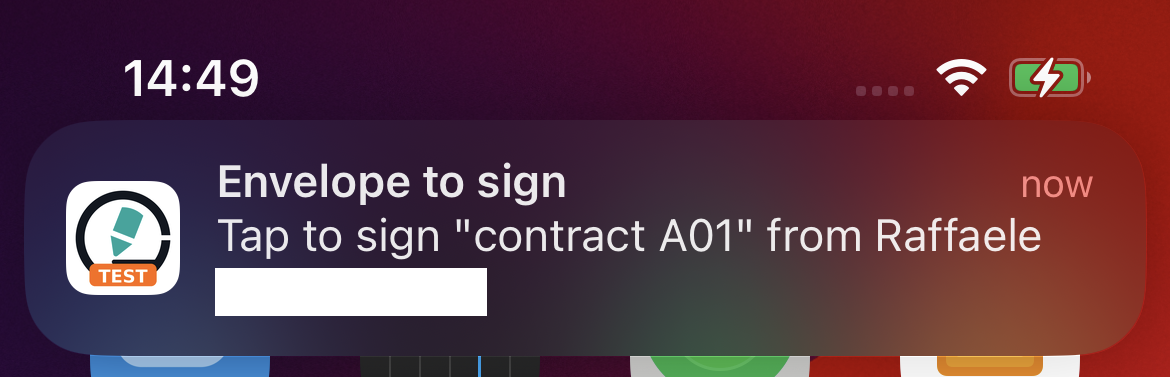
By tapping on it, you can directly sign the envelope.
Otherwise, in the home, in the 'Active sign requests' widget, you can see the most recent envelopes you are required to take action on. You can start signing them by tapping the ones you are interested in.
You can look at the full list of the active envelopes too, by tapping on the said widget, and start signing them from there.
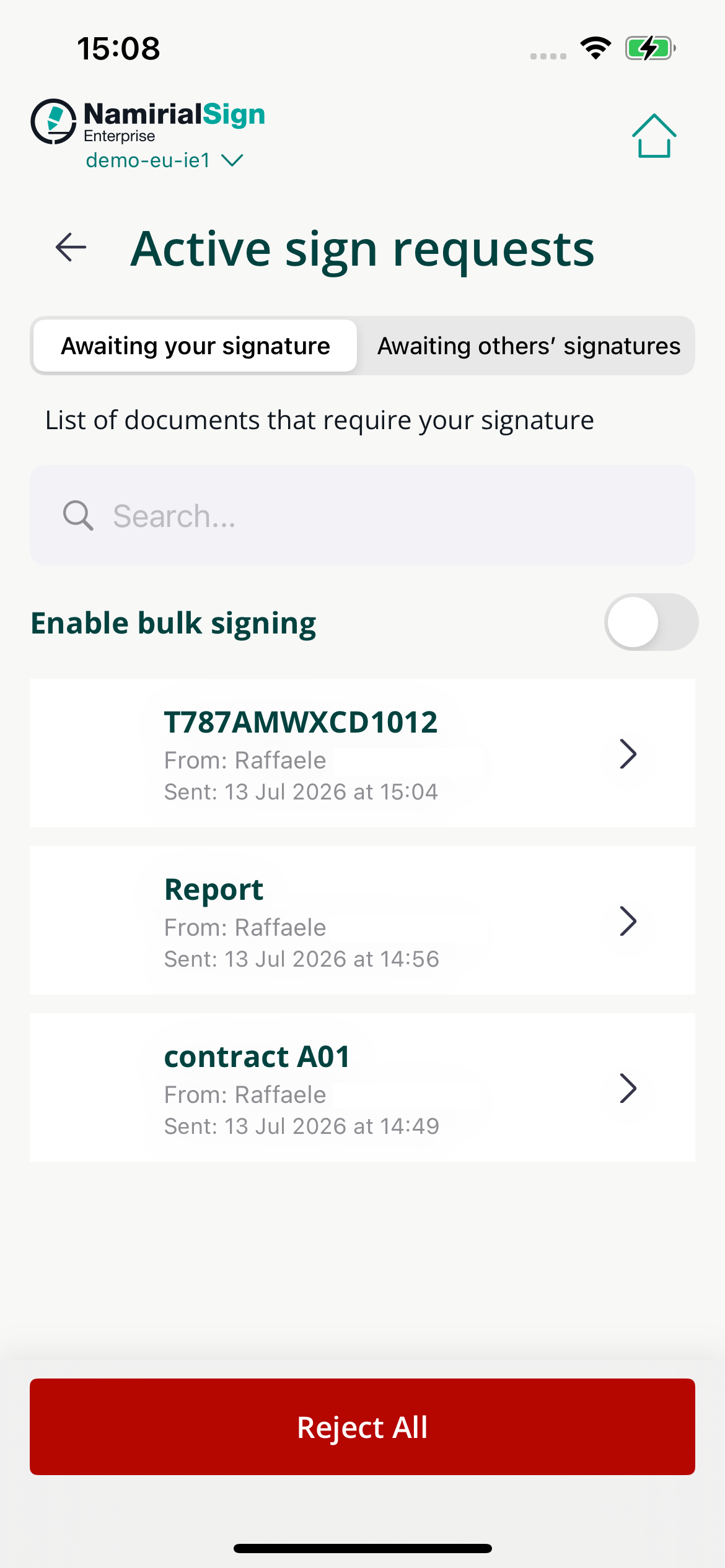
To complete the signing, you will need to follow the requirements defined when the envelope was created.
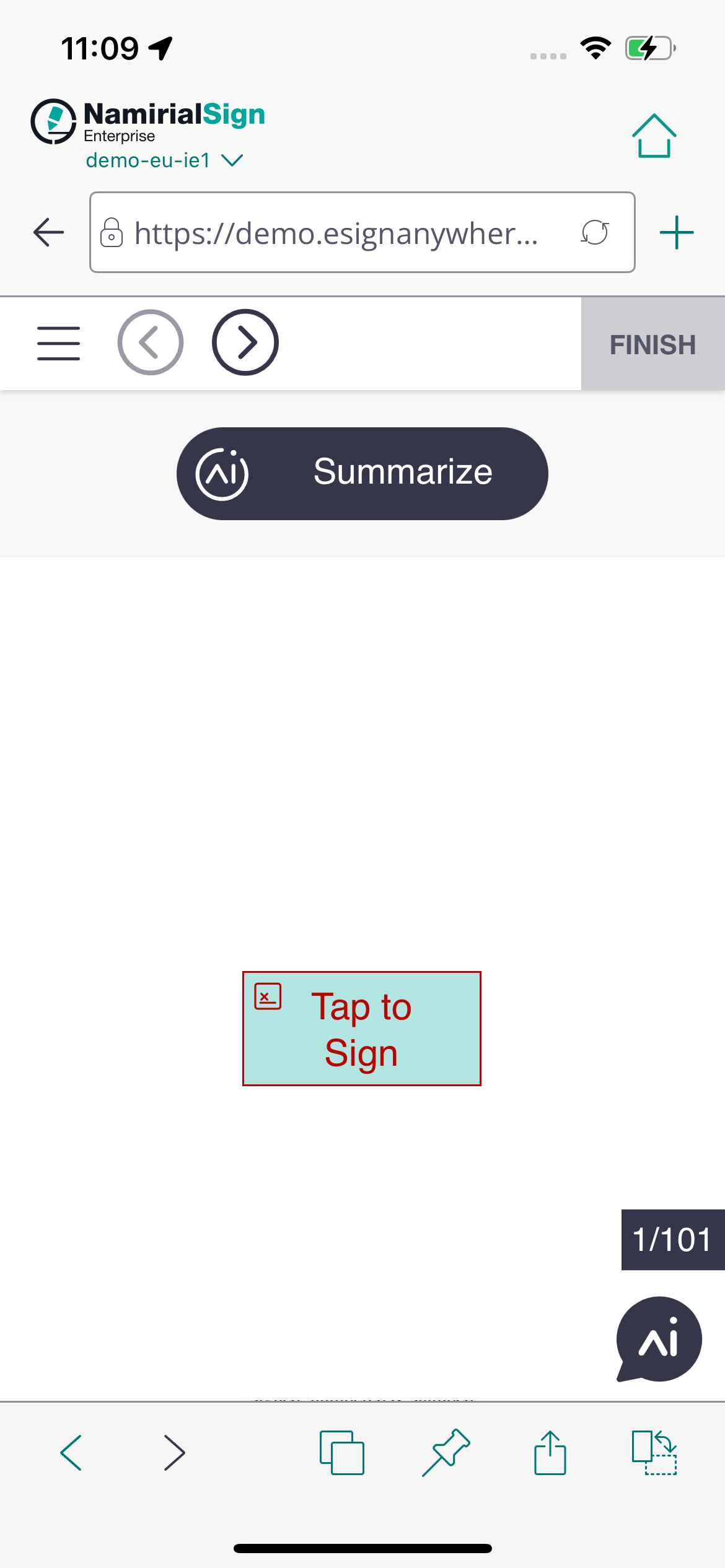
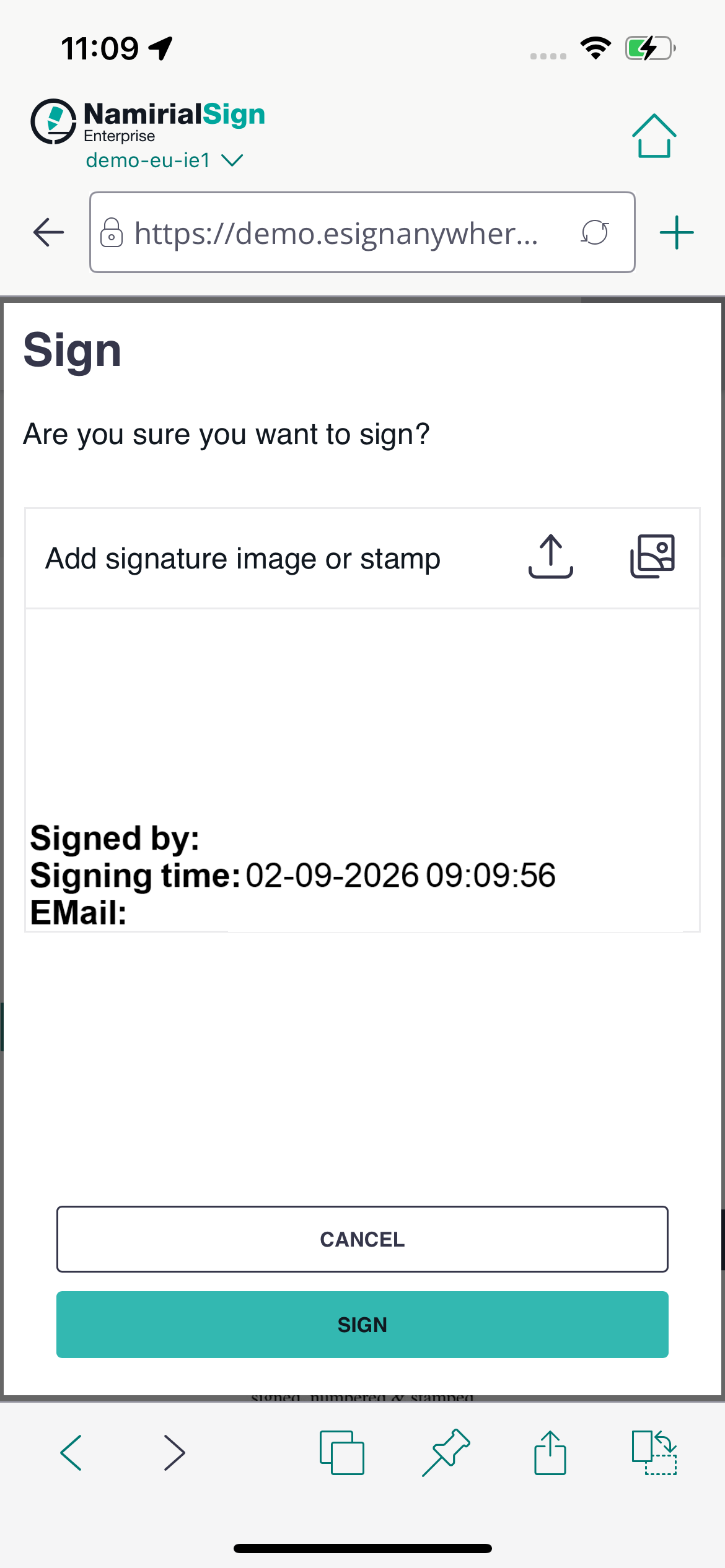
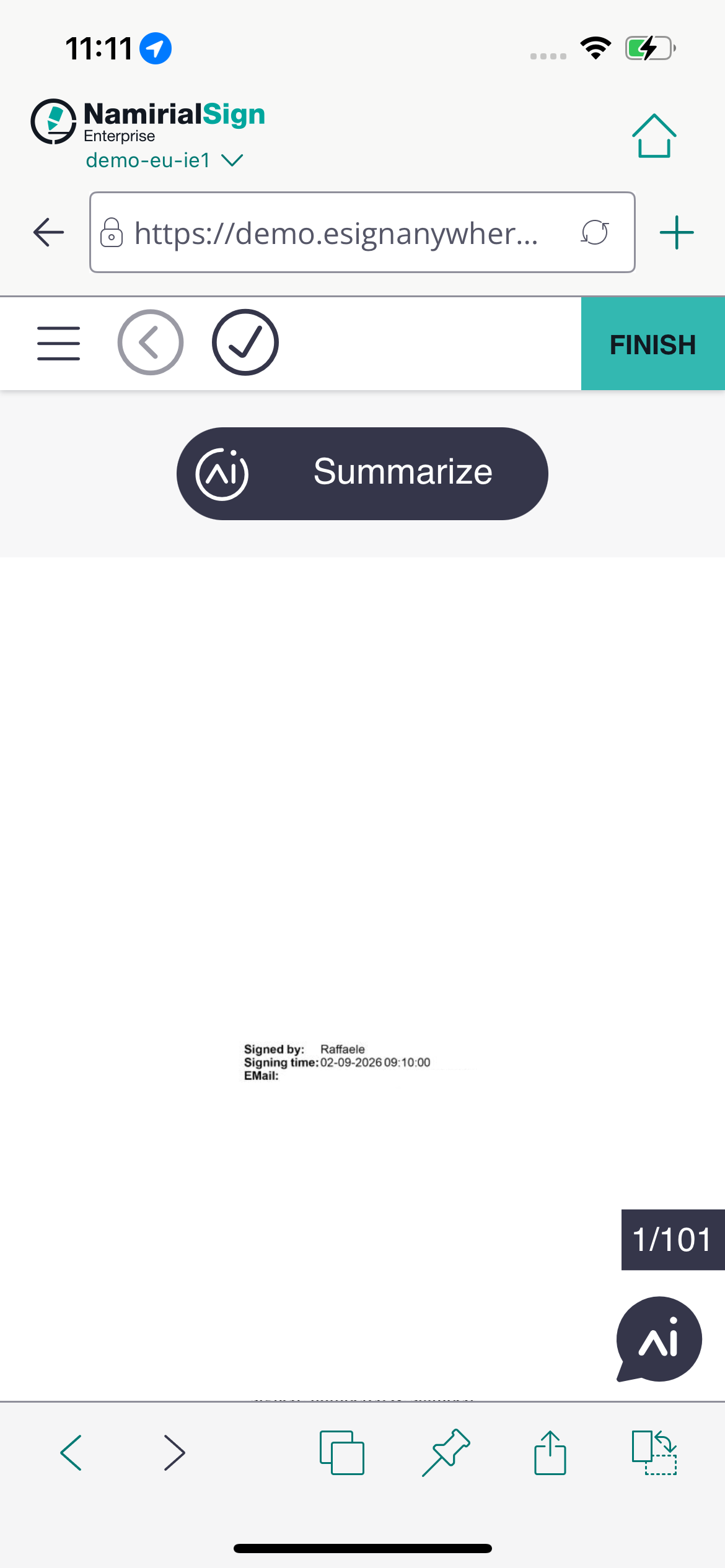
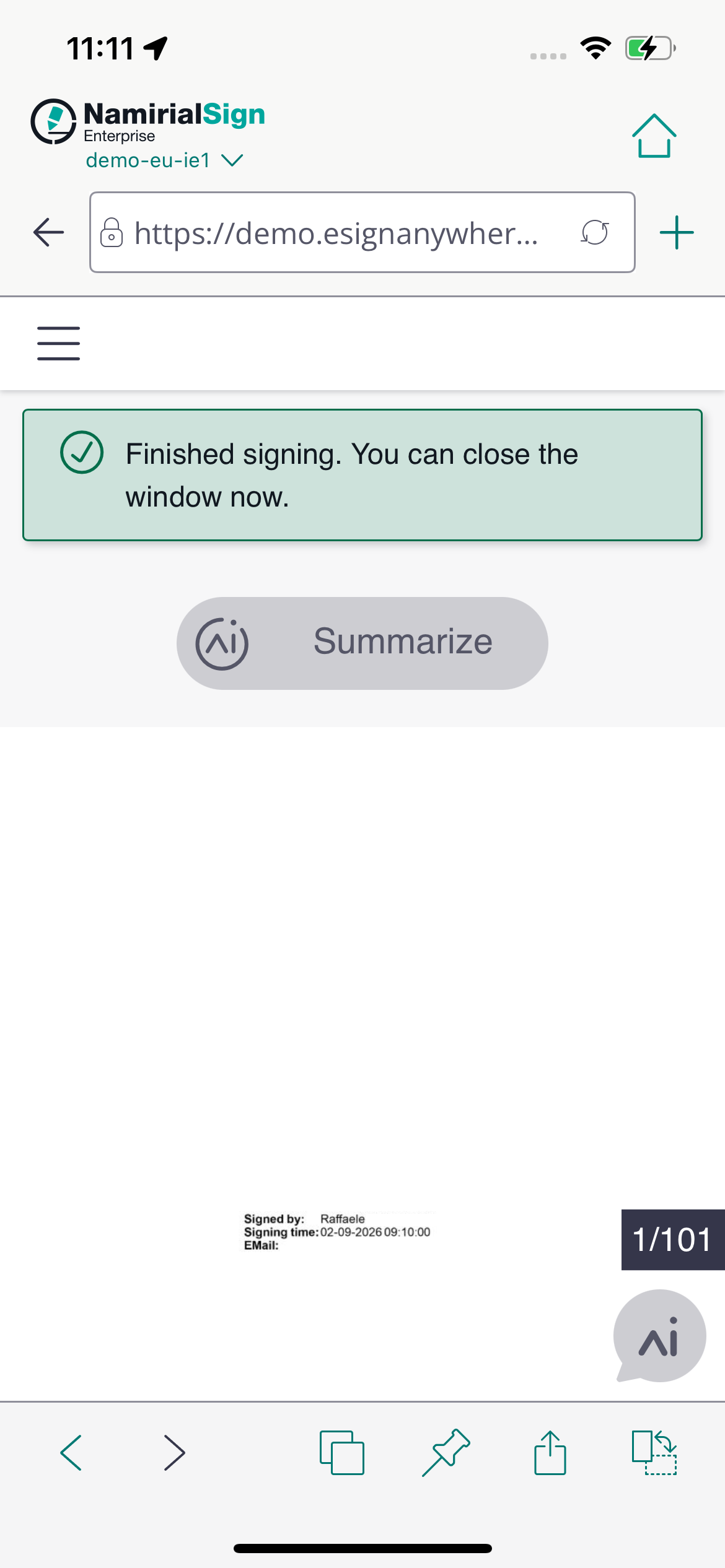
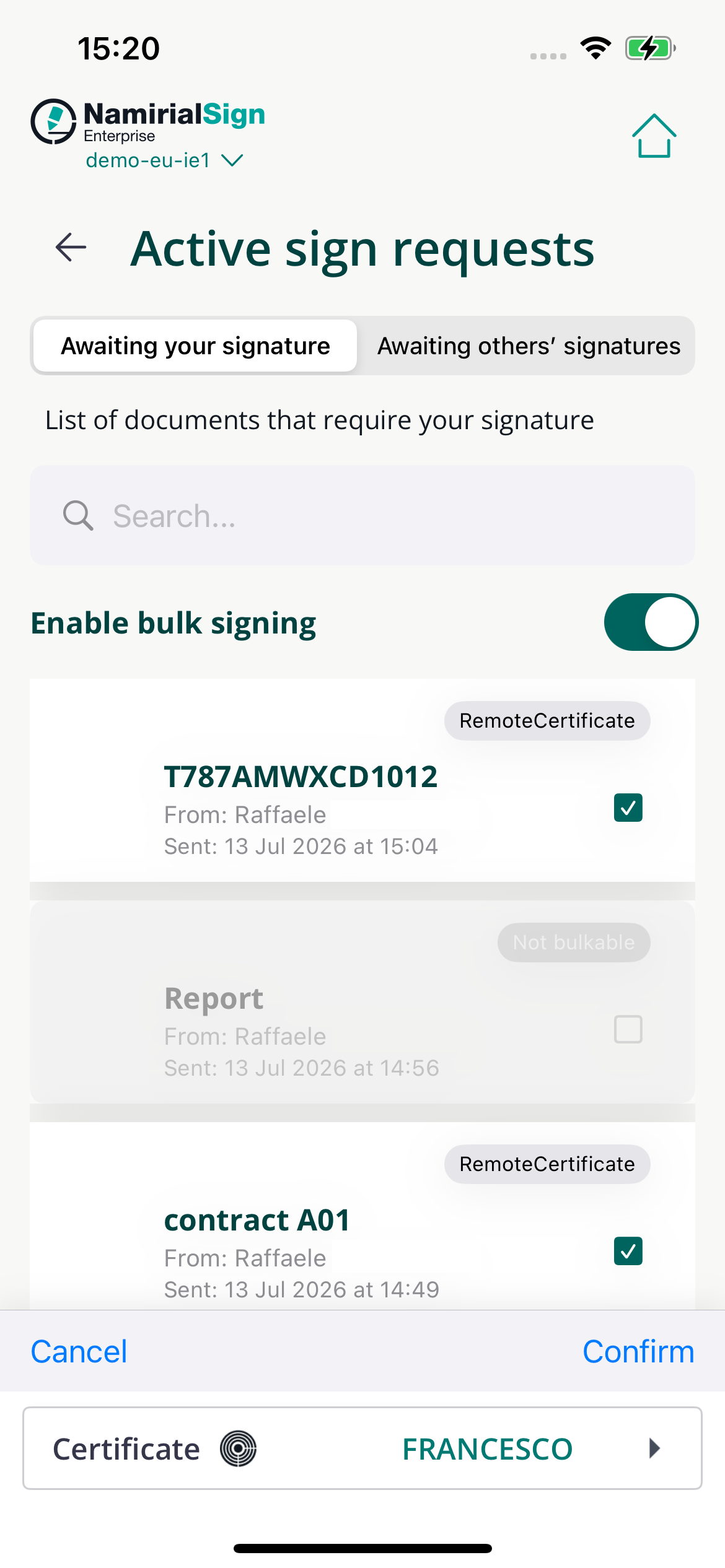
If you enable the bulk signing, you will have the possibility to sign more than one envelope at once, provided that they can be signed with the same method (e.g. click-to-sign).
In case the require a remote certificate, you will be asked to use one of the certificates configured in app.
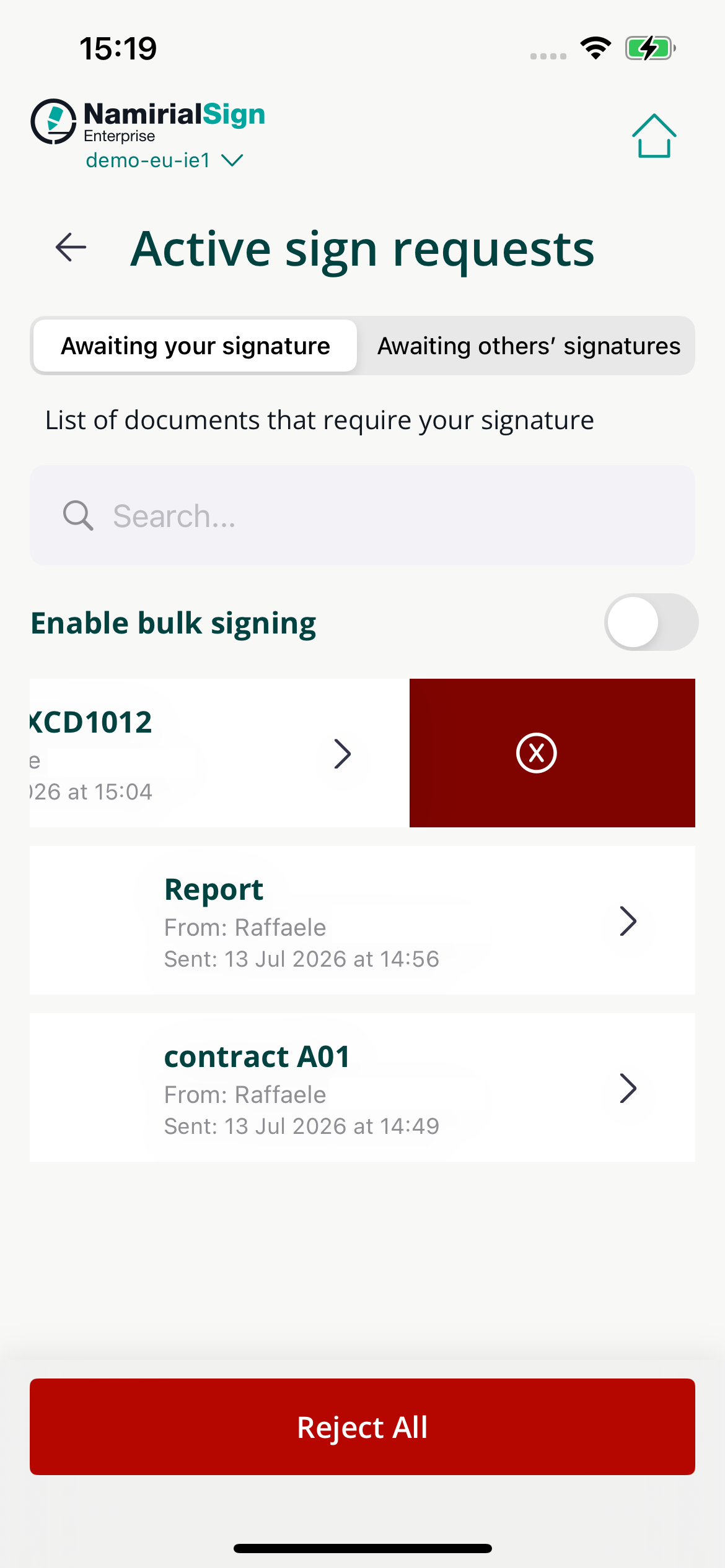
To reject an envelope, you can either swipe left on them or click on 'Reject all' to discard all of them.
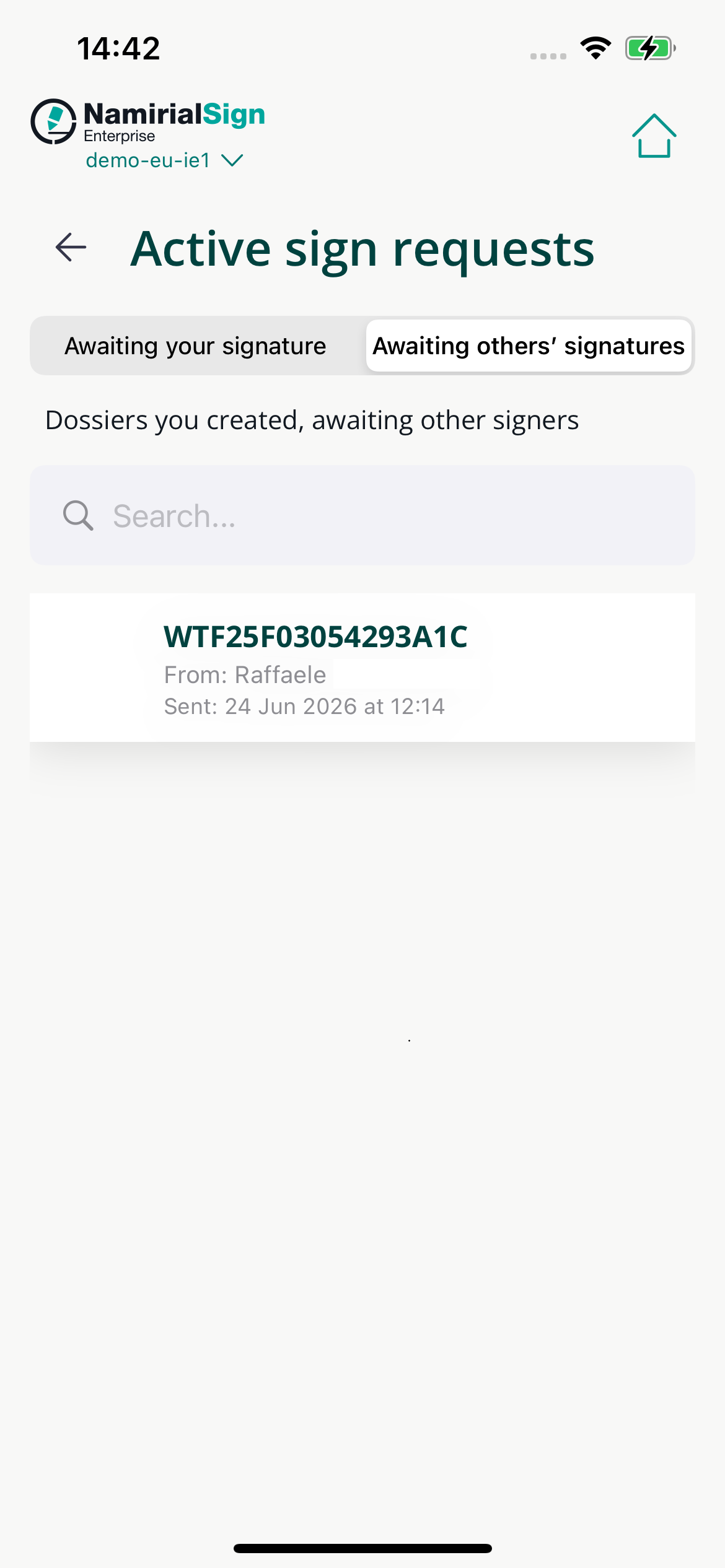
In the 'Active sign requests' page there is a specific section that allows you to view the list of the envelopes that are awaiting for others' signatures.
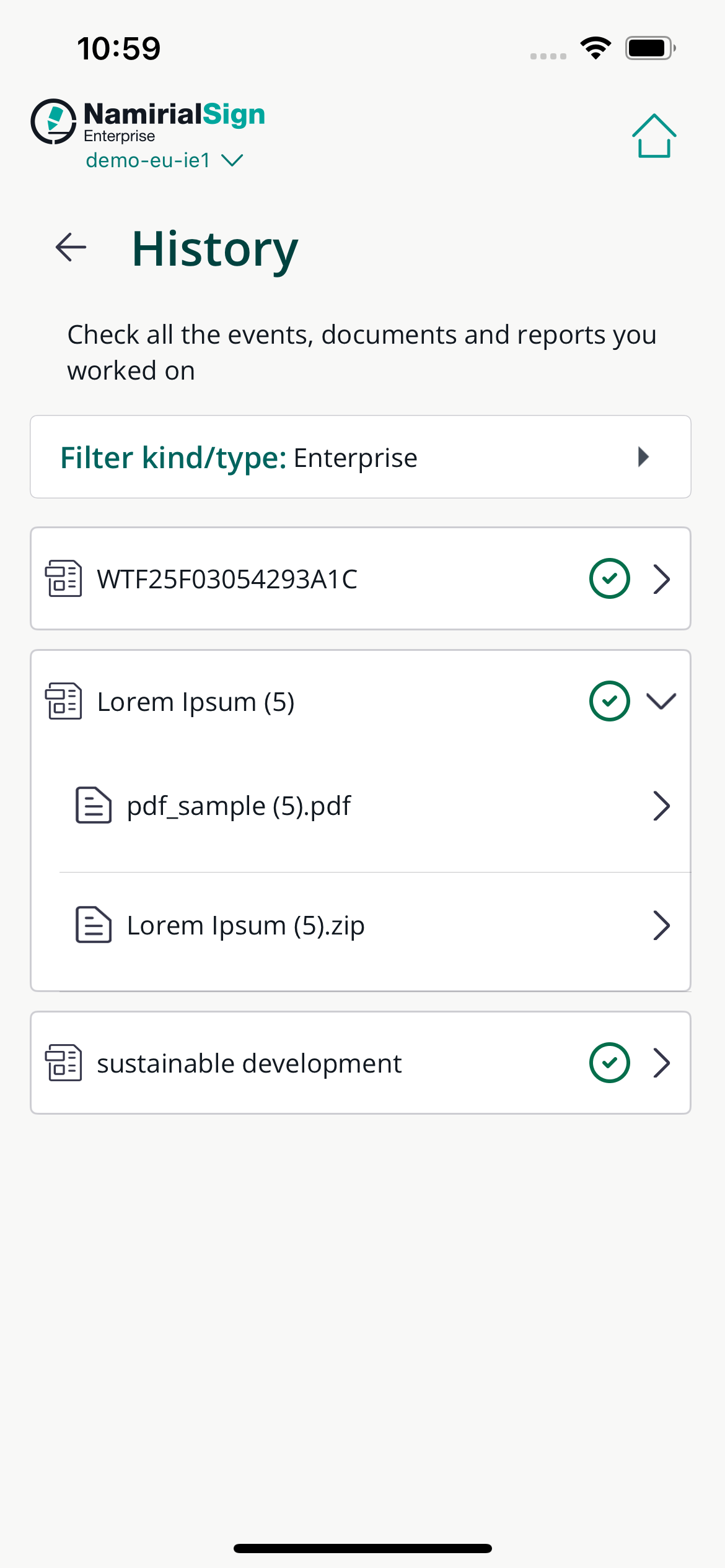
If you want to see the history of the envelopes you have signed, you can go to the history, where they will be present among the other operations.
By tapping a specific envelope, you will see and download the documents.