Navigate from the initials on the top right to Settings -> Organization Settings and to Timestamp Settings to see and to edit timestamp information. Only administrators can see this section and are allowed to perform adjustments.
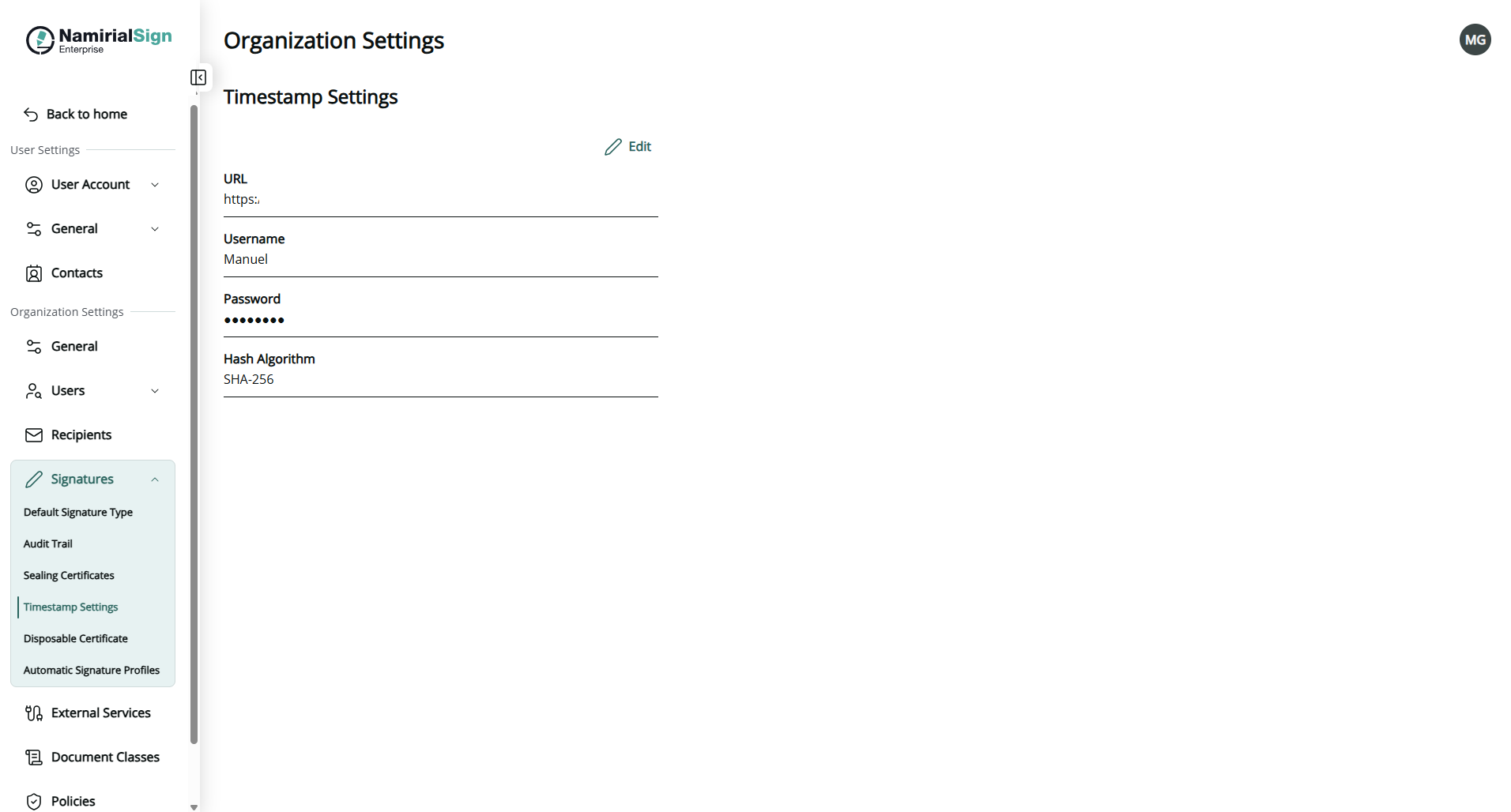
Following information can be retrieved:
- Server URL
- User credentials
- Username
- Password
- Hash algorithm
- Sha1, Sha256, Sha512
The credentials and hash algorithm configured here are used whenever a qualified timestamp is applied to a signature. This can be triggered:
- In the Designer, via Use qualified timestamp server for all recipients (Step 4 — Configure sending options, PAdES only).
- Via the Integration API, by setting the
QualifiedTimeStampproperty on an envelope or on a signature field.