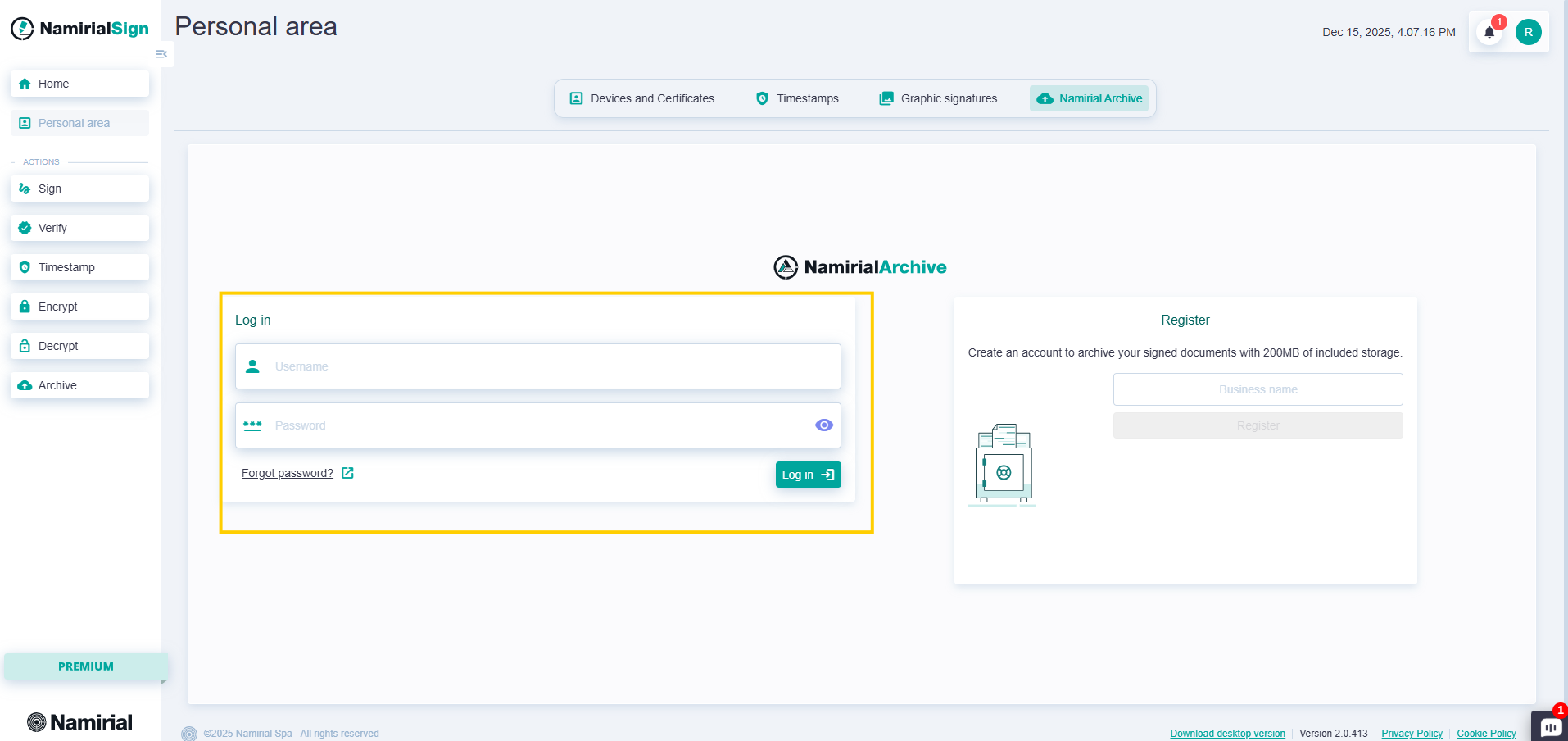
For this section, no additional authentication is required since the user is already authenticated to MyNamirial. In the case of the portable version activated with Namirial certificates (profile GO), it is first necessary to log in to MyNamirial.
 This is a PREMIUM feature
For this section, no additional authentication is required since the user is already authenticated to MyNamirial.
In the case of the portable version activated with Namirial certificates (profile GO), it is first necessary to log in to MyNamirial.
On Namirial Archive, it is possible to create a new Company in which to store documents up to a maximum of 200MB.
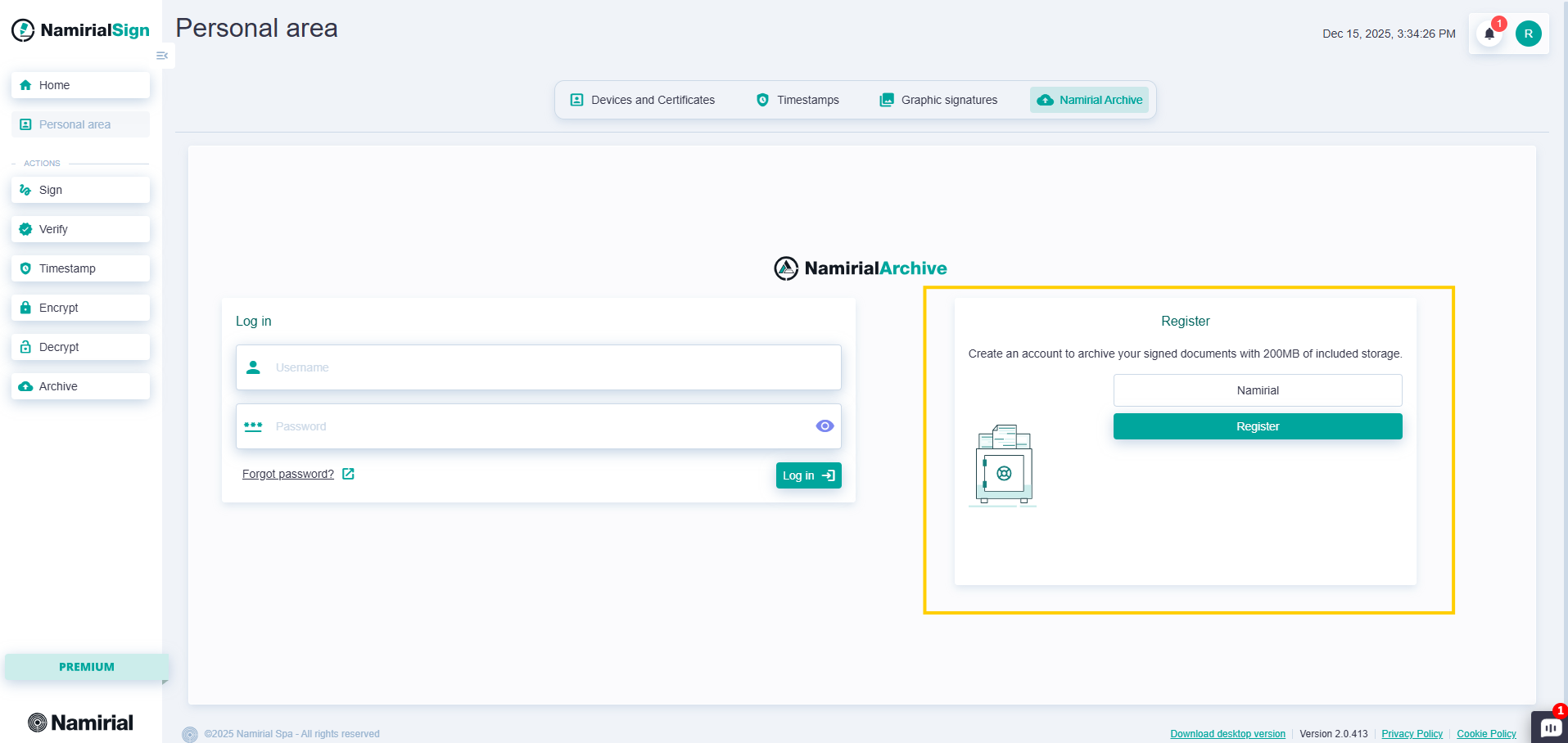
To create a new Company, you can go in Personal Area, select Namirial Archive and enter the name in the field on the right and press the "Register" button. At the end of the creation, an email will be sent or a link will appear on the screen to complete the activation.

After opening the link, the following steps must be completed:
Accept the clause stating that the General Terms and Conditions have been read.
Fill all the mandatory fields (in bold), including:
- client data
- legal representative’s details
- signing contact details
- record-keeping officer’s details
Click on “Procedi con Firma Contratti”;
Click on the right arrow.

- Sign the contract: click on the sign boxes to receive an SMS containing an OTP and use it to confirm the sign operation. To speed up the operation, there is the Multiple Signature function too.
After signing the contract, within 48 hours, username and password will be sent. The username is sent by email, the password by PEC. They can be used to have full access to the Namirial Archive functionalities. To do so, just enter them in the Personal Area here: